53
www.elstat.io
9.2 What are checksums?
Checksums identify the firmware and parameter set of ems controllers. ems controllers display the checksum in the
power on sequence and after areboot.
The parameter information pack details the expected checksum for the specified ems controller and parameter set.
After loading the parameter settings from an XML file, the parameter loader also displays the checksums.
The checksums displayed on the parameter loader are as follows:
CRC- A Checksum of the XMLfile.For elstatreference purposes only.
CRC-B
Checksum displayed on an ems55advanced with firmware version E52 F07.
Displayed when rebooting the ems controller following download of the
parameter settings with the parameter programming tool (dongle).
CRC-C
Checksum displayed on an ems55advanced with firmware version E52 F07.
Displayed after manually scrolling through the parameter list, following download
of the parameter settings with the parameter programming tool (dongle).
CRC-D
Checksum displayed on all other ems controllers following download of the
parameter settings with the parameter programming tool (dongle).
9.3 Parameter programming accessories
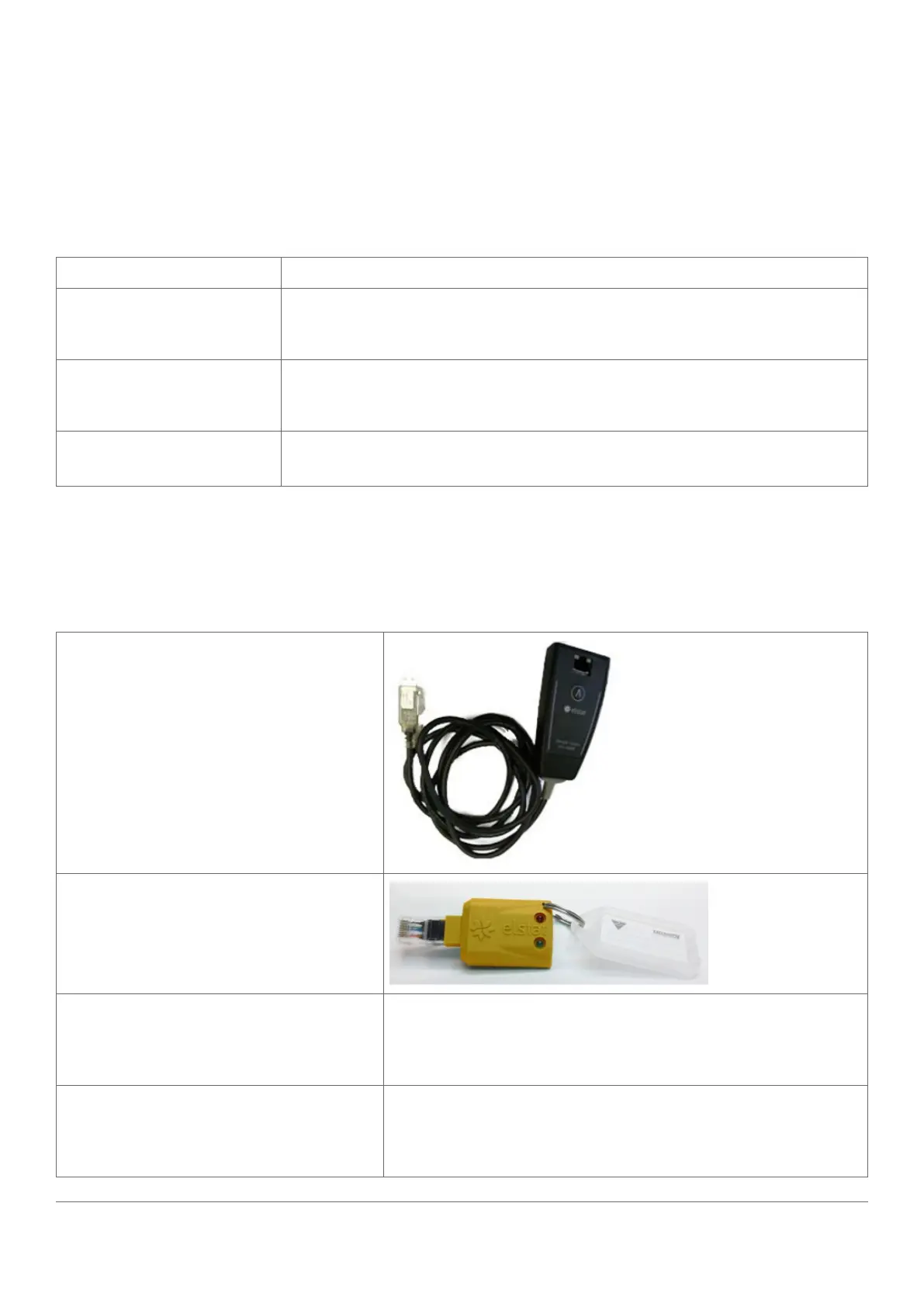
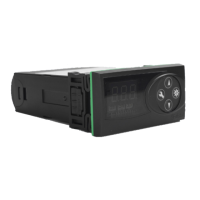
The items required to program the parameter programming tool (dongle) are as follows:
USB docking cradle
Parameter programming tool (dongle) -
yellow
elstat files supplied with parameter
programming tool
ZIP files containing the following:
• elstat parameter loader
• Set up program
• Drivers for Windows XP
elstat files supplied on completion of the
parameter request form
ZIP files containing the following:
• Parameter information (PI), which is a PDF file that details the
parameter settings
• XML file with parameter settings



 To Next Page