Assembly, Connection and Putting into Operation 43
5.2.6 Connect outputs of the EK280
The cable core diameter for the connection to the EK280
outputs is 0.33 … 2.5 mm
2
.
Different downstream devices can be connected to the digi-
tal outputs of the EK280. The outputs are preconfigured for
this purpose (see chapter 5.3.1.13).
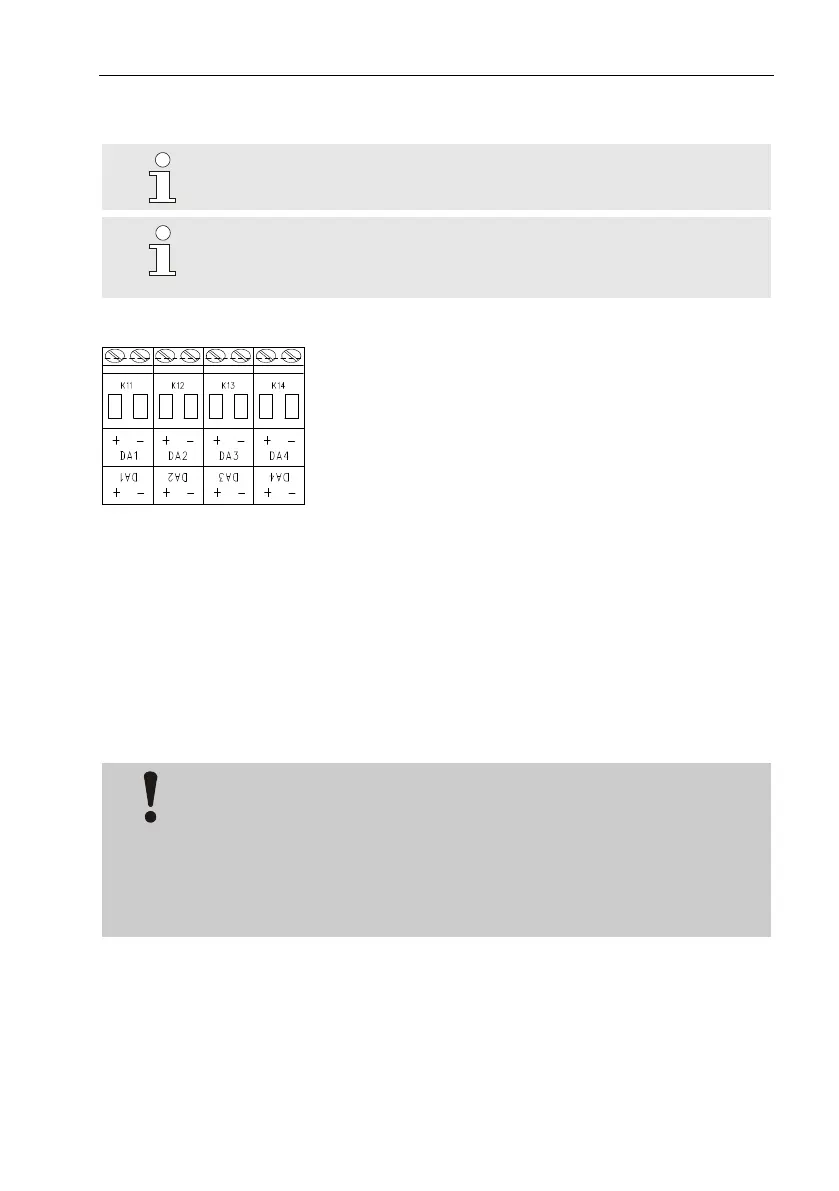
1. Connect the downstream device to the cor-
responding digital outputs (terminals "DA1"
to "DA4") of the EK280 (p. Fig. 18).
2. Terminal covers are provided in the bag of
accessories to seal the output terminals. If
required, these should be screwed over the
connected terminals and a seal should then
be bonded to the fastening screw (see chap-
ter 5.3.2).
3. If necessary, adjust the cp value (pulse con-
tact) for the pulse outputs as described in
chapter 5.3.1.13.
5.2.6.1 Electrical insulation of the outputs
In standard cases, all negative poles of the outputs are electrically con-
nected to the motherboard.
For special applications, i.e. switching a positive pole, each output can be
electrically separated from the motherboard and from the other outputs.
CAUTION!
Reduced battery life
Activating theelectrical insulation of outputs reduces the bat-
tery life when in battery mode!
It is then impossible to give a reliable prediction of the re-
maining battery life.



 To Next Page