Operation 63
6.3.4 Meaning of status symbols
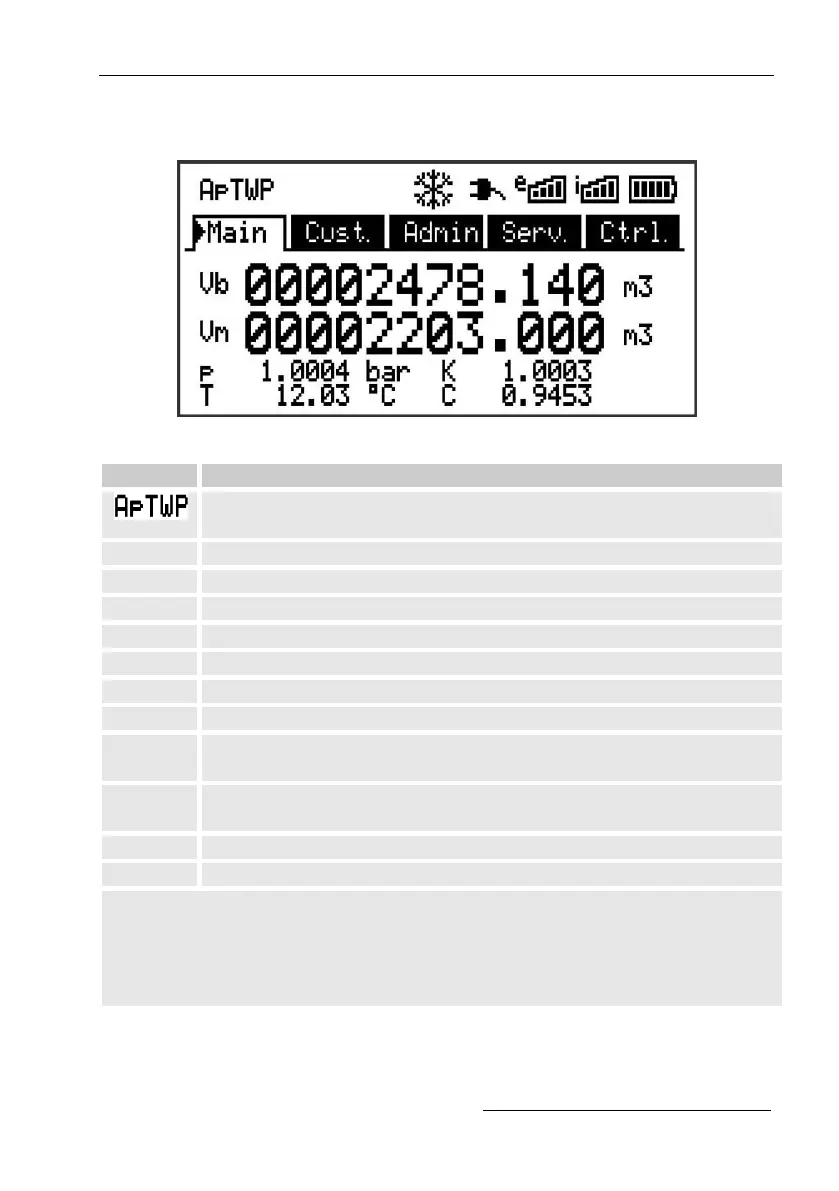
The status symbols displayed in the first line have the following meaning:
Fig. 26: Status symbols in the display
In the upper left-hand side of the screen, individual letters are
displayed as symbols for the following signals:
Alarm – Collective message for "any alarm"
Pressure alarm – The gas pressure cannot be measured
Temperature alarm – The gas temperature cannot be measured
Warning – Collective message for "any warning"
Battery warning – The battery is almost empty
Certification data log - The certification data log is full
Calibration lock ("programing mode") - The calibration lock is
open
Measurement error - The connected gas meter encoder is not
giving accurate meter readings
Online – A data transfer is underway
Administrator lock is open
If one of these letters (above) flashes, the indicated status remains active.
If one of the letters is displayed constantly, the indicated status is no longer
active but must be acknowledged.
For further details on the meaning and potentially necessary procedures,
see chapter 8.1.4 "Behavior in the event of faults"
If a configuration log is in a device.



 To Next Page