46 Assembly, Connection and Putting into Operation
5.3 Putting into operation
5.3.1 Configuration of measurement parameters
If the EK280 is subject to calibration regulations, the works
described below should only be performed by legally author-
ized individuals.
The necessary measurement parameters can be adjusted using the free
configuration program "enSuite" , which is available under www.elster-
instromet.com.
If the program is not available, the configuration can also be carried out us-
ing the keyboard as described below.
Before adjusting the measurement parameters via the key-
board, please read chapter 6 to learn how the device is oper-
ated.
5.3.1.1 Opening the calibration lock
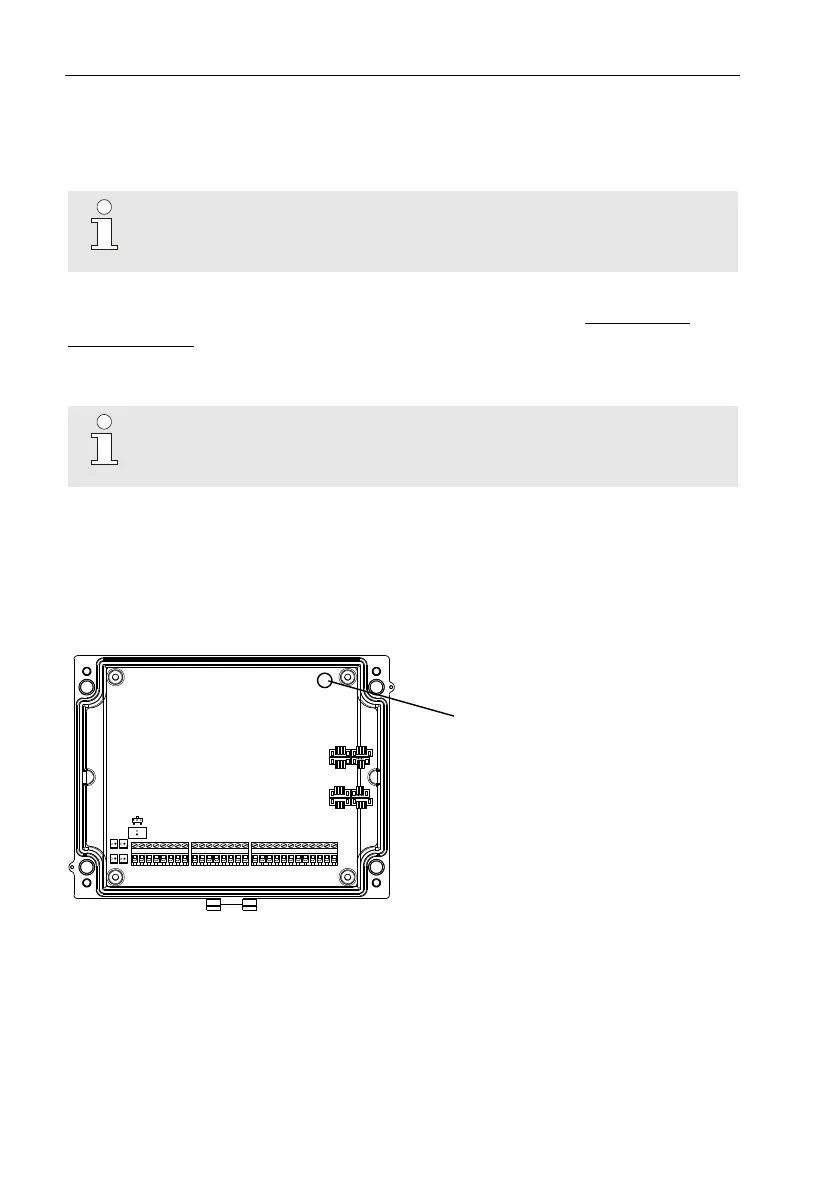
The calibration lock is located at the back of the housing cover in the form
of a button, and this can be secured by means of an adhesive label. This
button must be pressed in order to adjust the values and parameters pro-
tected by configuration regulations.
Position of the button to
open the calibration lock.



 To Next Page