5
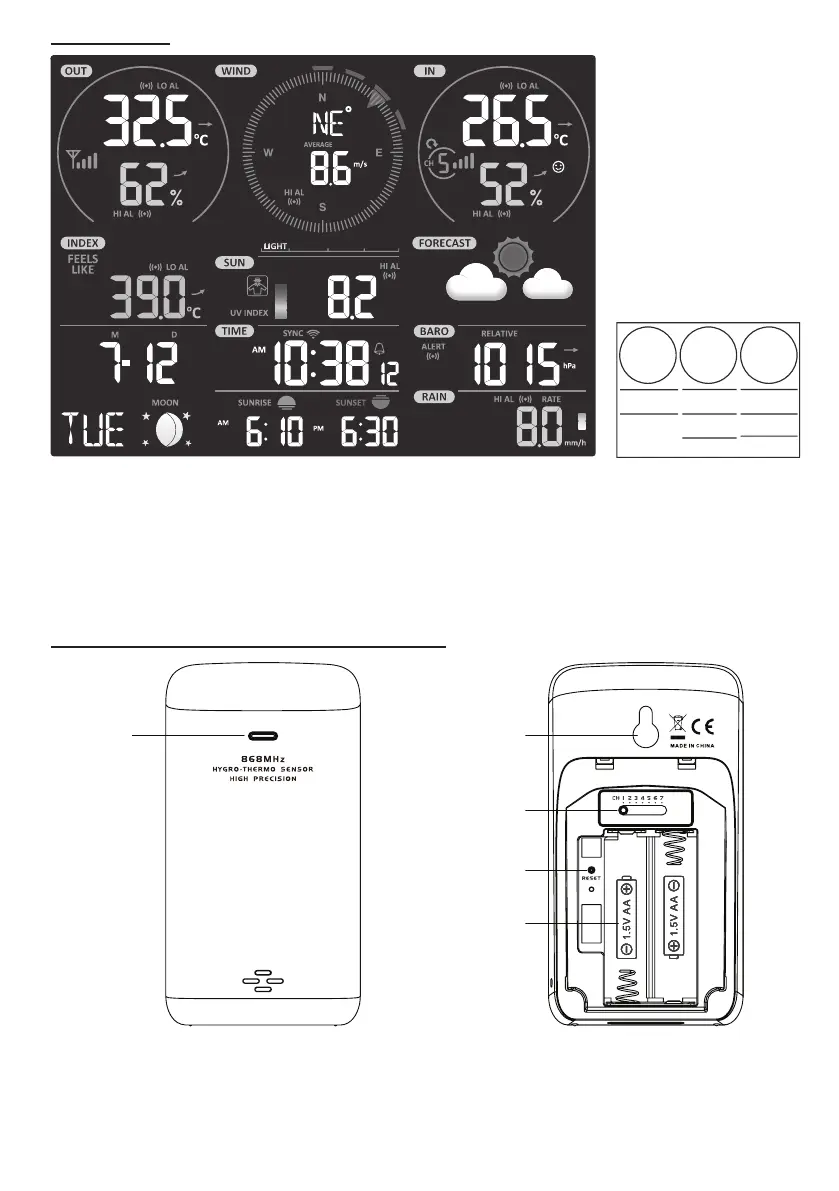
LCD DISPLAY
1
2 3
4
5 6
7
8 9
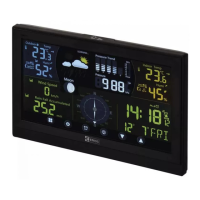
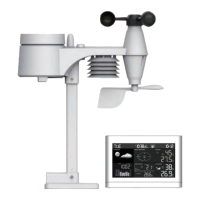
Display section:
1. Outdoor temperature & humidity
2. Wind direction & speed
3. Indoor (Ch) temperature & humidity
4. Weather index
5. UV index & light intensity (SUN)
6. Weather forecast
7. Calendar & moon phase
8. Time / alarm
9. Barometer
10. Sunrise & sunset time
11. Rainfall & Rain rate
WIRELESS INDOOR HYGRO-THERMO SENSOR
1 2
3
4
5
1. Transmission status LED
2. Wall mounting holder
3. Channel slide switch
4. [ RESET ] key
5. Battery compartment


 To Next Page
 Loading...