POWERED BY
37
SERIESSERIES
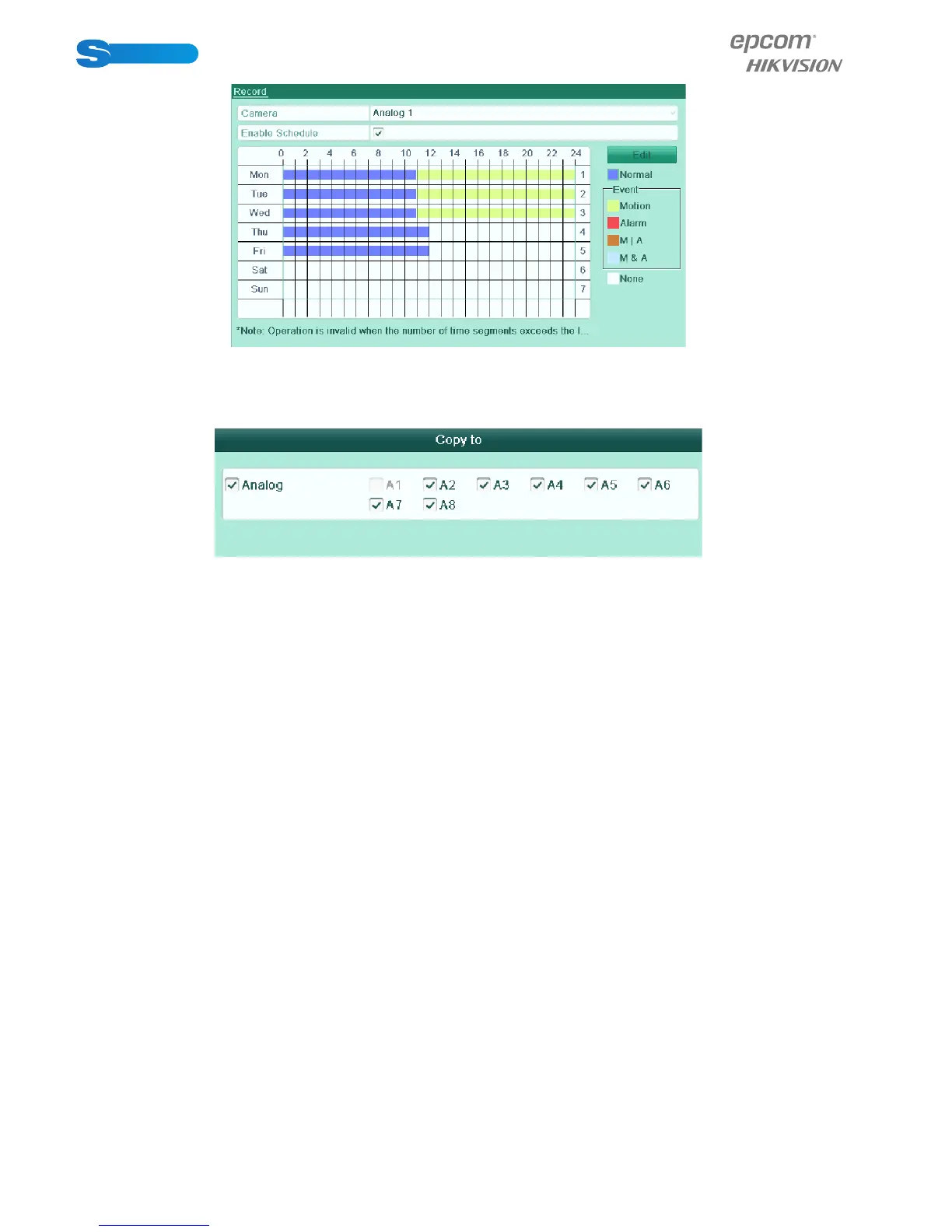
Figure 5.10 Draw the Schedule
3) You can repeat the above steps to set schedule for other channels. If the settings can also be used to other channels,
click Copy to enter the Copy Camera interface and then choose the channel to which you want to copy.
Figure 5.11 Copy Schedule to Other Channels
4) Click Apply in the Record Schedule interface to save the settings.



 To Next Page