POWERED BY
36
SERIESSERIES
click Copy.
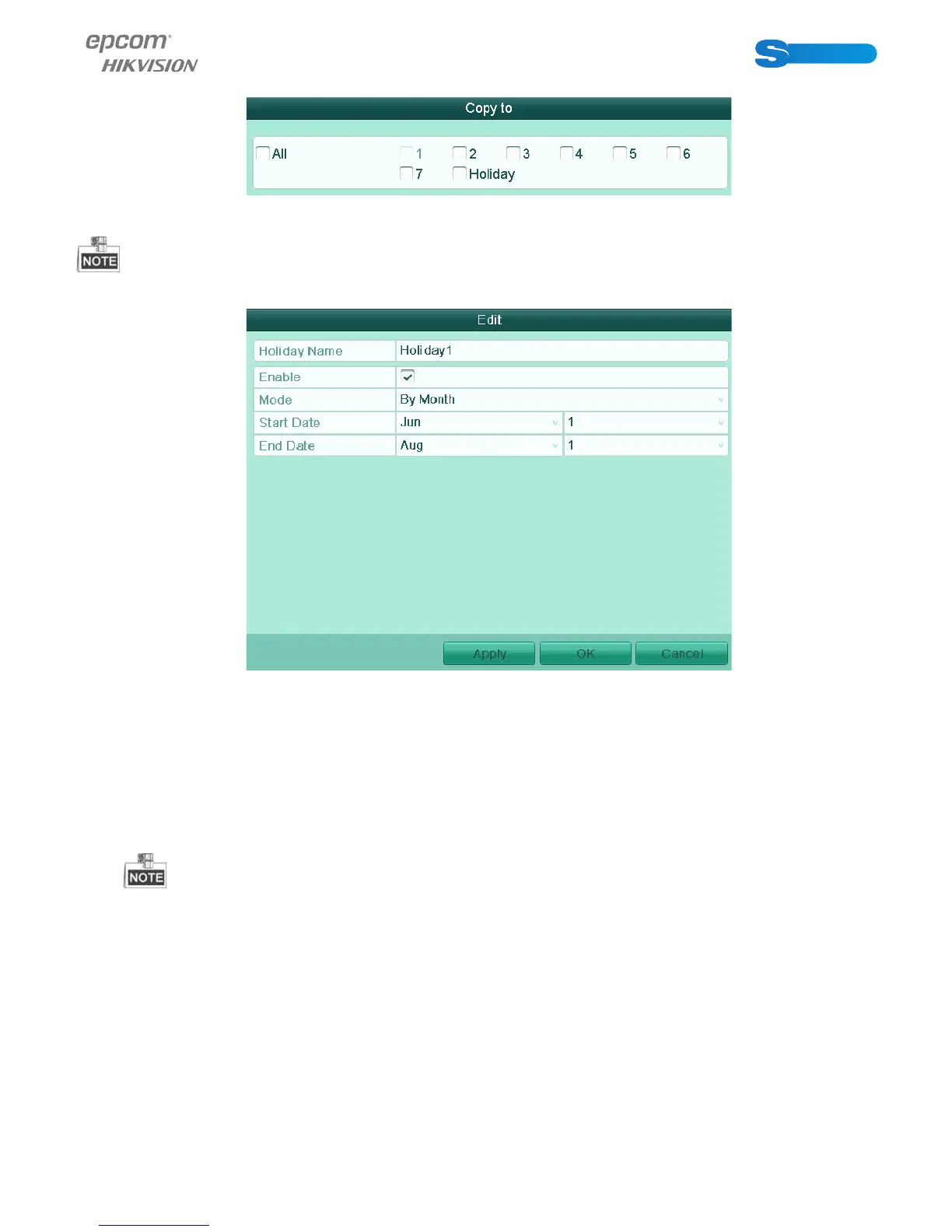
Figure 5.8 Copy Schedule to Other Days
The Holiday option is available in the Schedule dropdown list when you have enabled holiday schedule in Holiday Settings.
Refer to Chapter 5.5 Configuring Holiday Record.
Figure 5.9 Holiday Settings
6) Click OK to save setting and back to upper level menu.
Task 2: Draw the Schedule
Steps:
1) Click the icon on the right to select a record type. Set the Type in the dropdown list. Different recording types are availa-
ble for different models.
To enable Motion triggered recording, you must configure the motion detection settings. For detailed information, refer
to Chapter 8.1 and Chapter 8.2.
2) Use the mouse to drag and draw time periods.
Up to 8 periods can be configured for each day.



 To Next Page