Using the Printer Driver For Windows 59
3
3
3
3
3
3
3
3
3
3
3
3
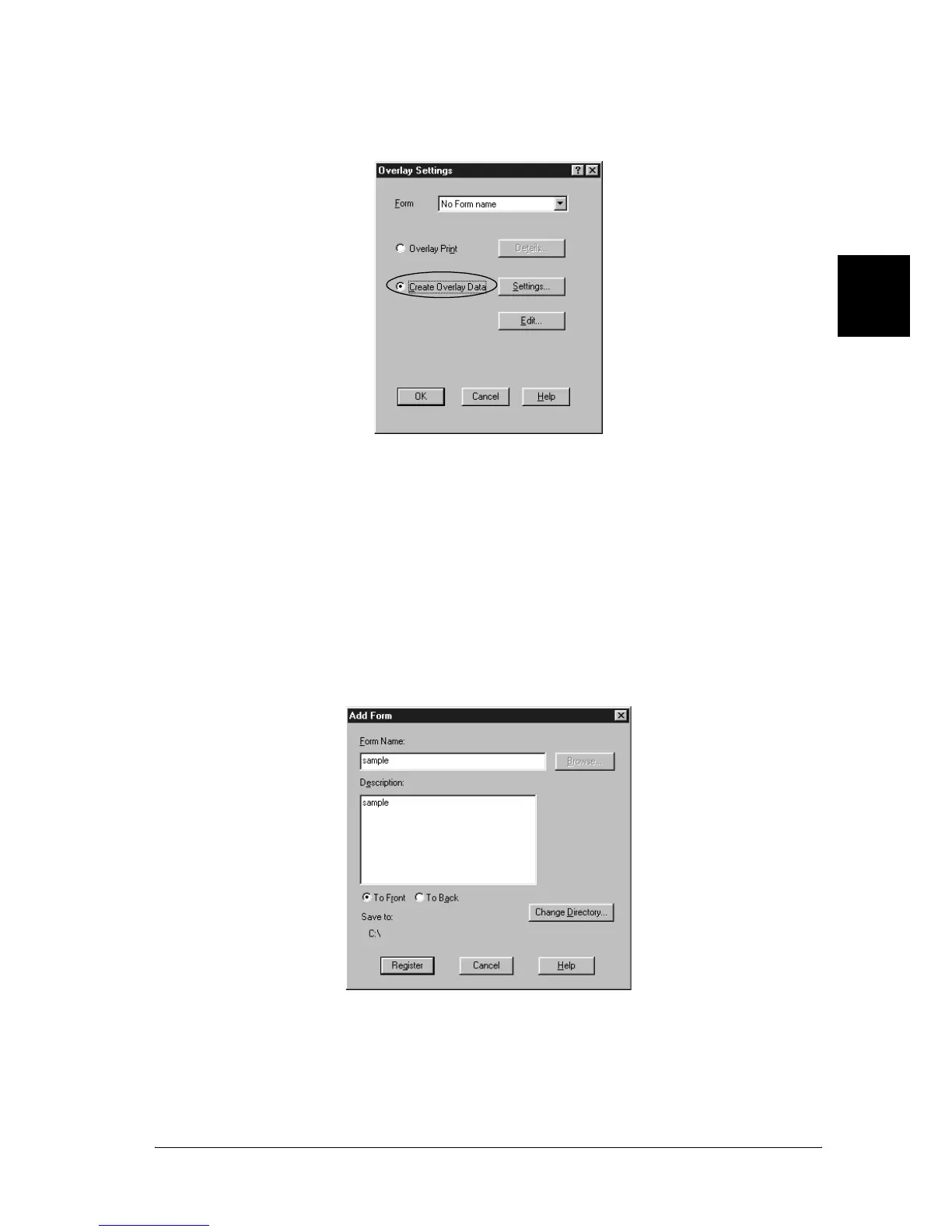
5. Click Create Overlay Data.
6. Click Settings.
7. Select the Use Form Name check box. Then click Add Form
Name. The Add Form dialog box appears.
8. In the Add Form dialog box, type the form name in the Form
Name box and its description in the Description box.



 To Next Page