20
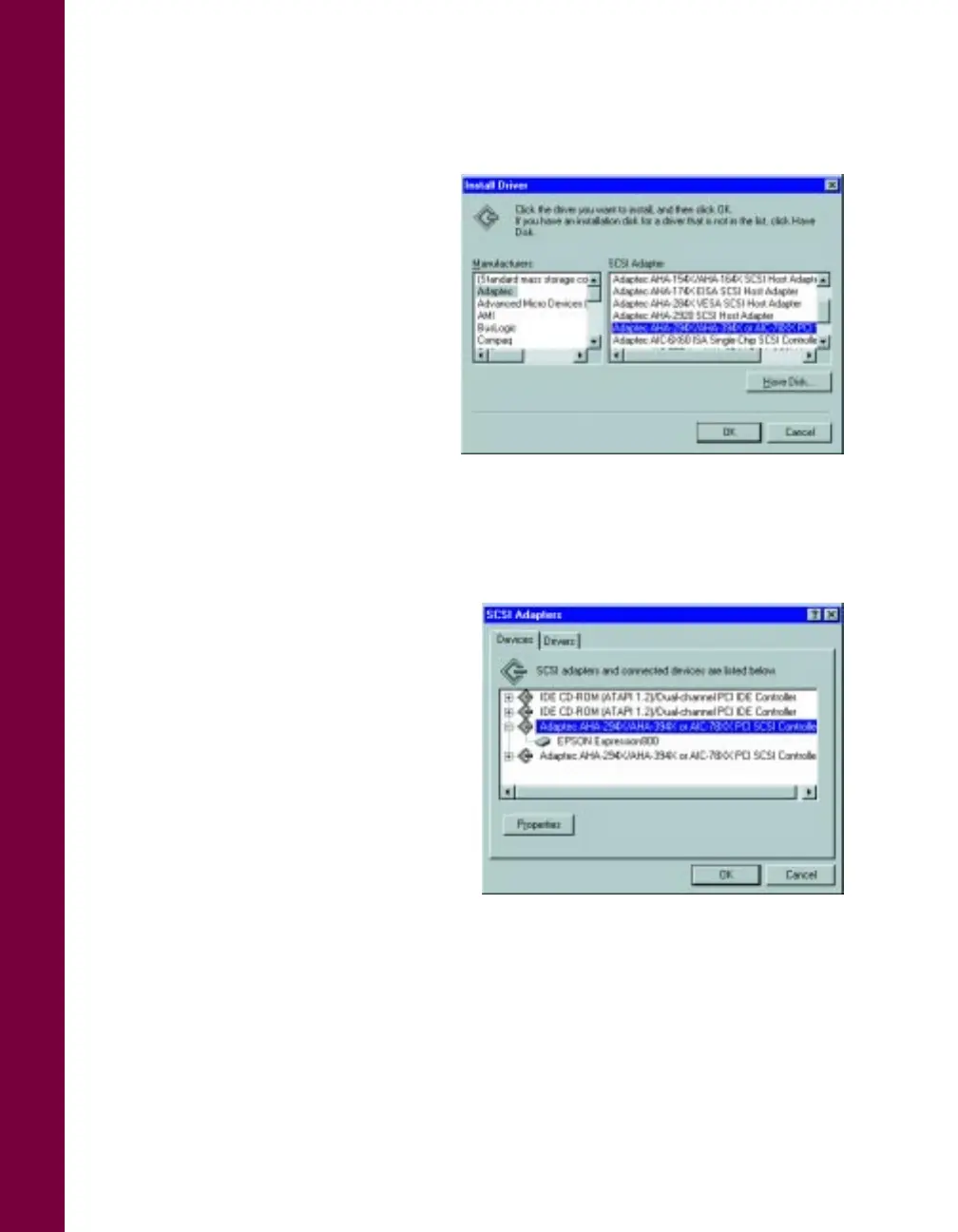
8. In the SCSI Adapter list, click
Adaptec AHA-294X/AHA-394X
or AIC-78XX PCI SCSI
Controller
.
9. Click OK. If you see a prompt
to install the Windows NT
CD-ROM, insert it and
click OK.
10. The necessary driver files are
copied to your hard drive, then
you see a prompt to restart your
system. Click Yes. Be sure to
close any open windows to restart.
11. After the system restarts, log on again.
12. Windows NT auto-detects the
scanner. To verify that the scanner
was detected, click Start, Settings,
Control Panel, SCSI Adapters.
Then click the Devices tab if
necessary. Click the + next to the
Adaptec listing; EPSON
Expression800
should be listed
beneath it. Click
OK
to close the
dialog box.













 To Next Page