129
Troubleshooting
6
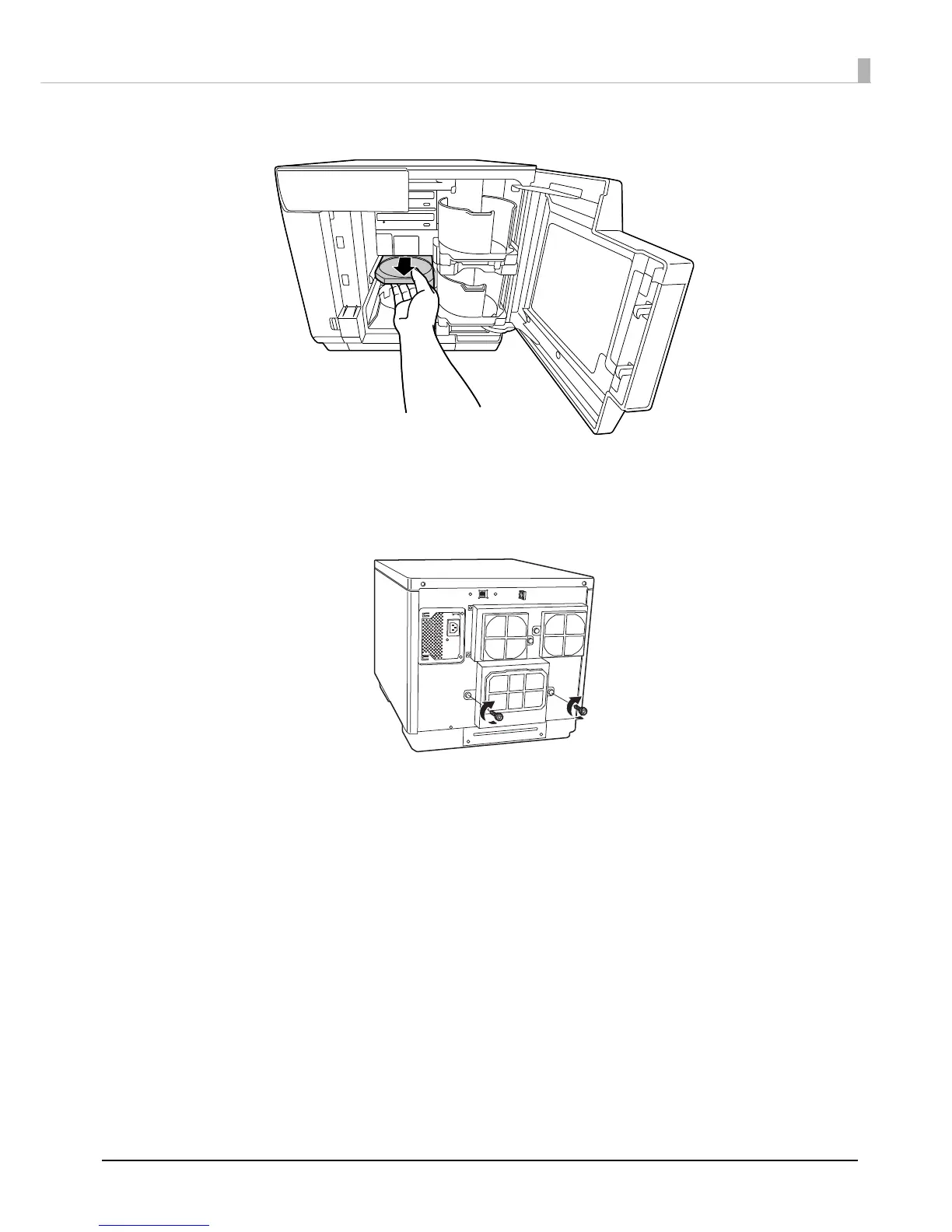
Pull out the printer tray.
7
Remove the disc, and close the disc cover.
The printer tray automatically closes when the power is turned on in Step 9.
8
Reattach the maintenance box cover.
9
Insert the power plug into the outlet, and turn on the power.



 To Next Page