M:Magenta
C:Cyan
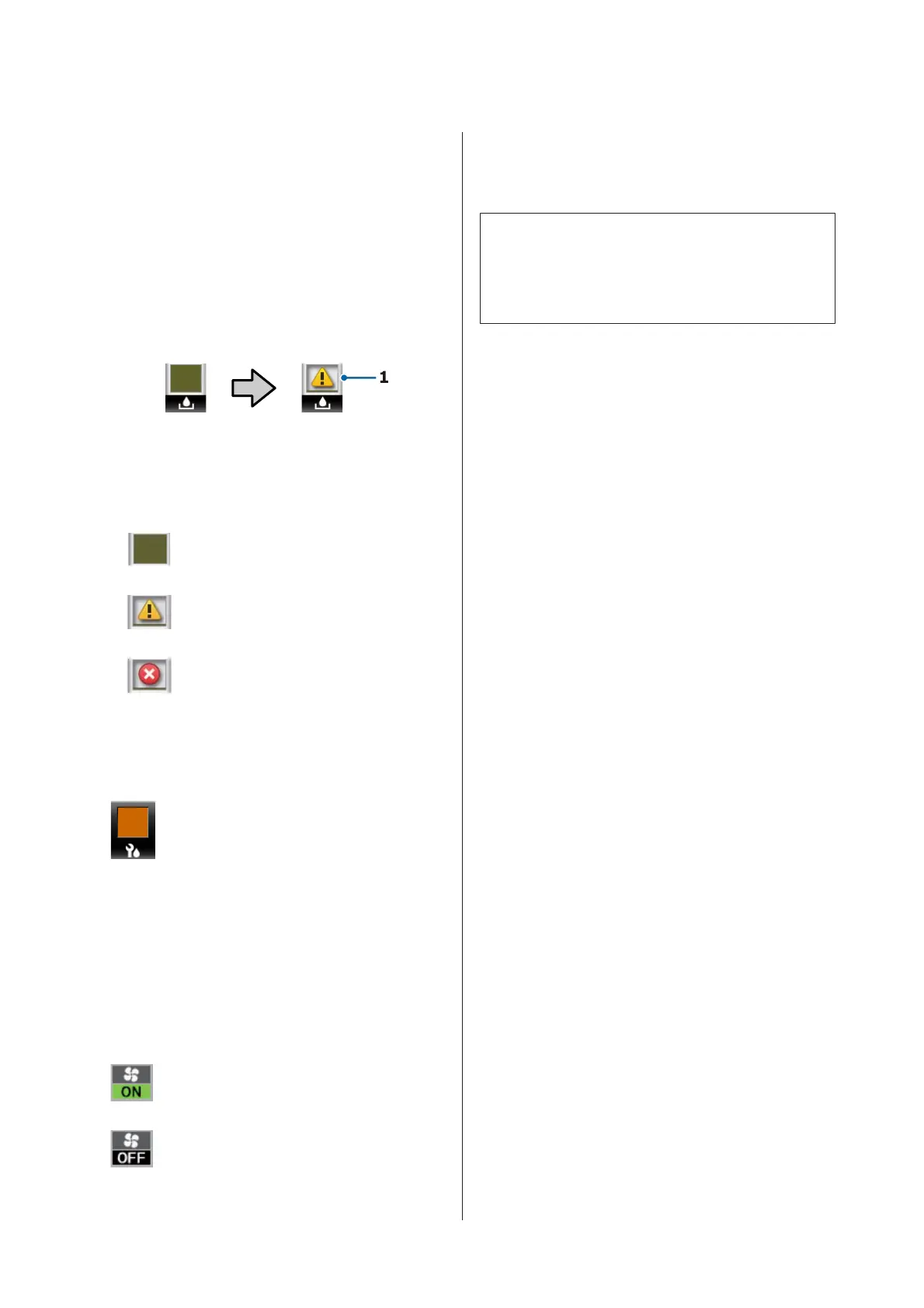
F Waste Ink Bottle status
Displays the approximate amount of space availa-
ble in the Waste Ink Bottle. The display changes as
shown below when the waste ink bottle is nearly
full or an error occurs.
Normal Warning or error
1 Status indicators
The status of the Waste Ink Bottle is shown as
follows.
: No error. The indicator changes to
show the amount of space available.
: The Waste Ink Bottle is almost full.
Ready a new Waste Ink Bottle.
: The Waste Ink Bottle is full. Replace
with a new Waste Ink Bottle.
G Wiper unit status
Displays the remaining amount for the wiper.
: The indicator decreases according to
the amount remaining.
H Additional Print Drying System status
Displays the settings for the Additional Print Dry-
ing System (optional for the SC-S80600 Series/
SC-S40600 Series).
No icon : Not installed, or it is not installed
correctly.
: The drying fan is enabled.
: The drying fan is not enabled. To
start the fan, select Additional Dryer
for ON in the setup menu.
U “Changing the Heater Temperature and Dry-
ing Settings” on page 50
Note:
You can check E to G in a little more detail from
Level on the setup menu.
U “The Printer Status Menu” on page 102
SC-S80600 Series/SC-S60600 Series/SC-S40600 Series User's Guide
Introduction
15



 To Next Page
 Loading...