Registering the License Key by Using Epson Device
Admin
When you use a conguration template for Epson Device Admin, you can apply the license keys given in the CSV
le to multiple printers.
1.
Create a new conguration template.
2. Read the license key on the conguration template.
3. Apply it to the target printers.
Creating the Conguration Template
Create the
conguration
template newly.
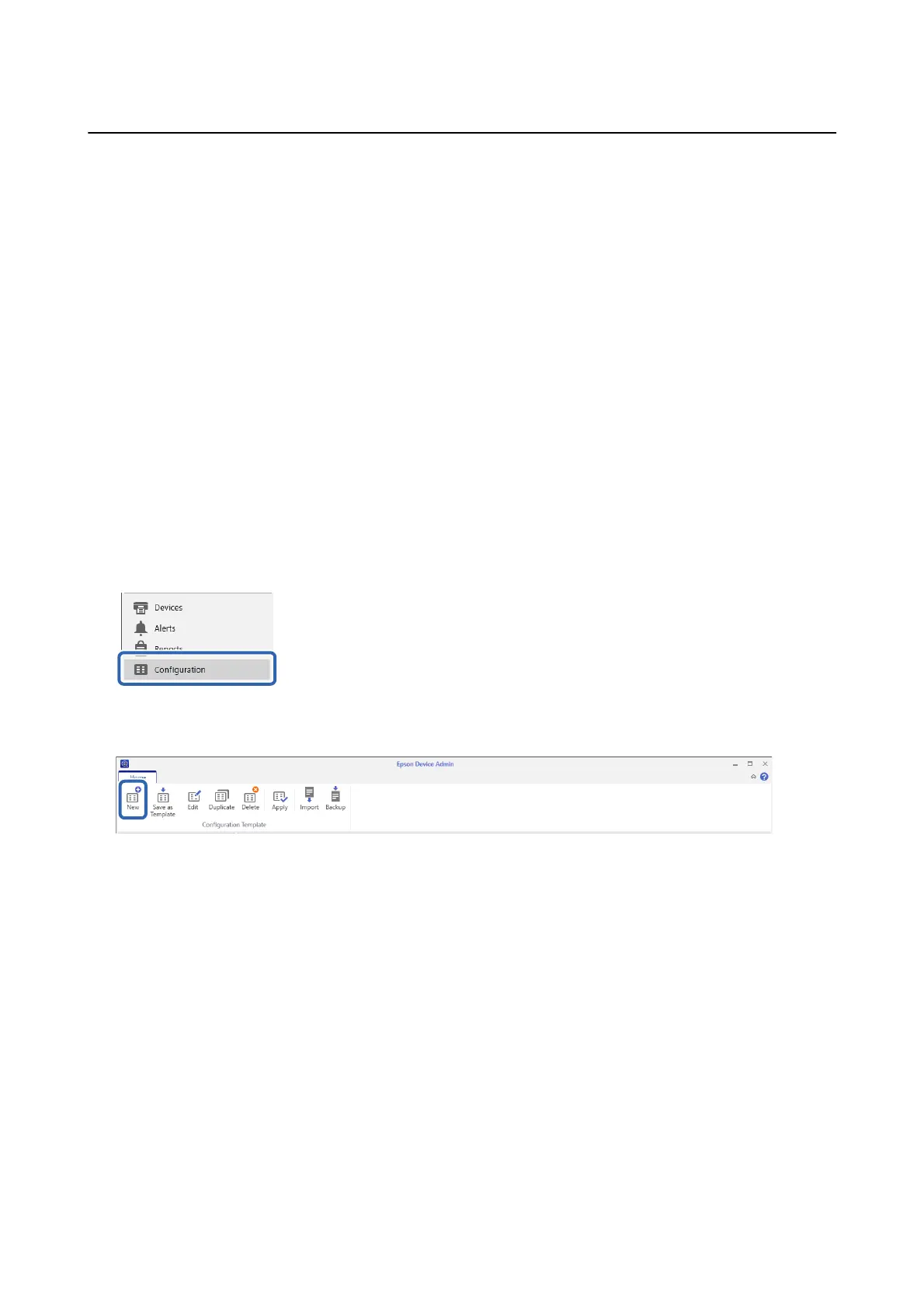
1. Start Epson Device Admin.
2. Select Conguration on the side bar task menu.
3. Select New on the ribbon menu.
Setup & Administration Guide
Information Registration and System Conguration
28



 To Next Page
 Loading...












