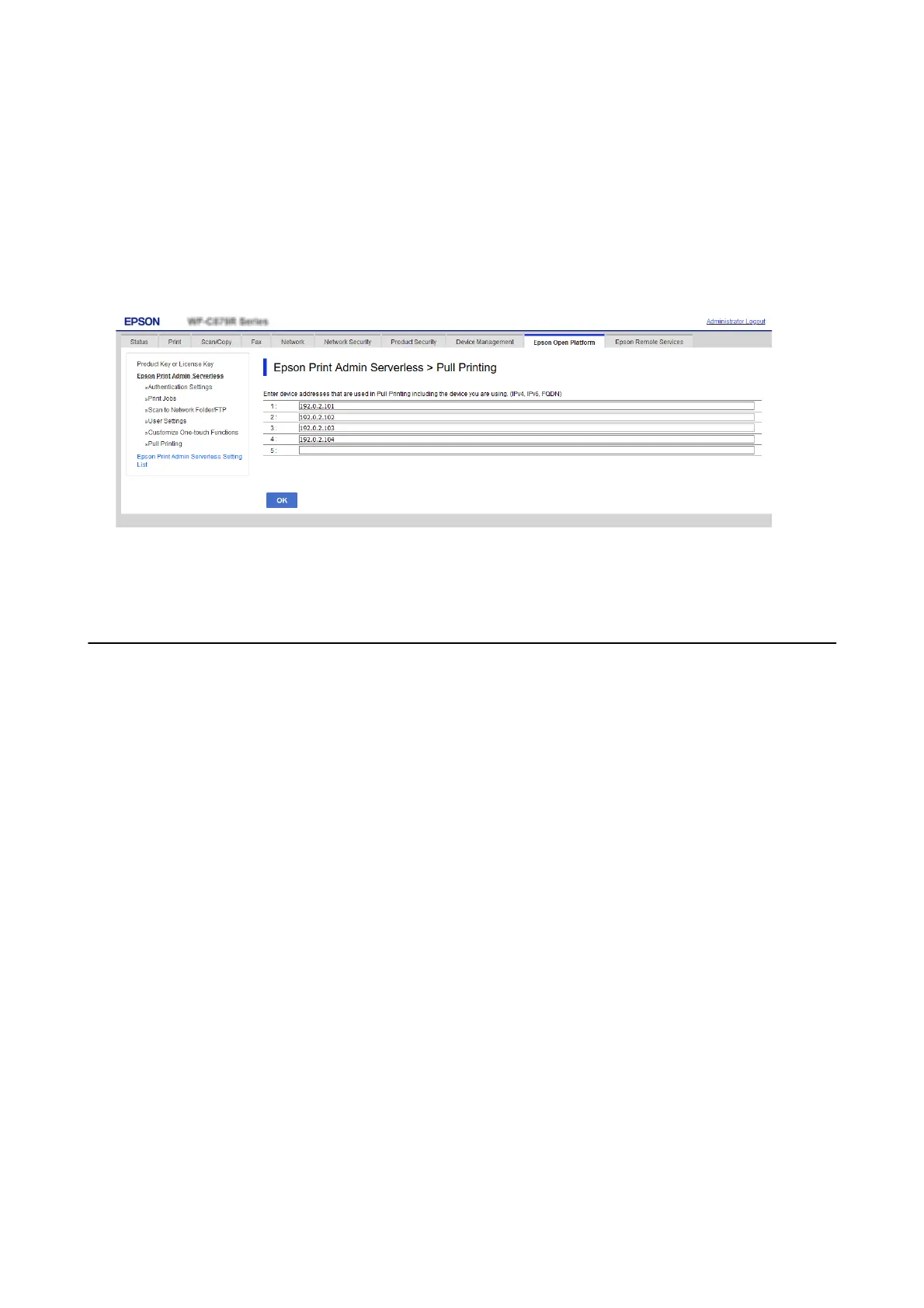
You can use the Pv4, IPv6, or FQDN format for conguration. You can use the following format for FQDN
(<host name>. <domain name> format).
❏ Host name: You can enter 2 to 63 bytes in US-ASCII numbers, letters, and hyphens (except leading and
trailing).
❏ Domain name: You can enter 2 to 249 bytes in US-ASCII numbers, letters, and hyphens (except at the start
and end of the string). Periods can be used as a delimiter, but you cannot enter more than one period
consecutively. Also, use periods to separate the strings so that each string is 63 bytes or less.
3. Click OK.
e
connection check starts. If the connection is successful, a connection
conrmation
page will be displayed.
Batch Setting Using Epson Device Admin
(Conguration Template)
When using Epson Device Admin, you can set Epson Print Admin Serverless settings to multiple printers in bulk.
For details, see the manual or help for Epson Device Admin.
Setup & Administration Guide
Information Registration and System Conguration
59



 To Next Page
 Loading...












