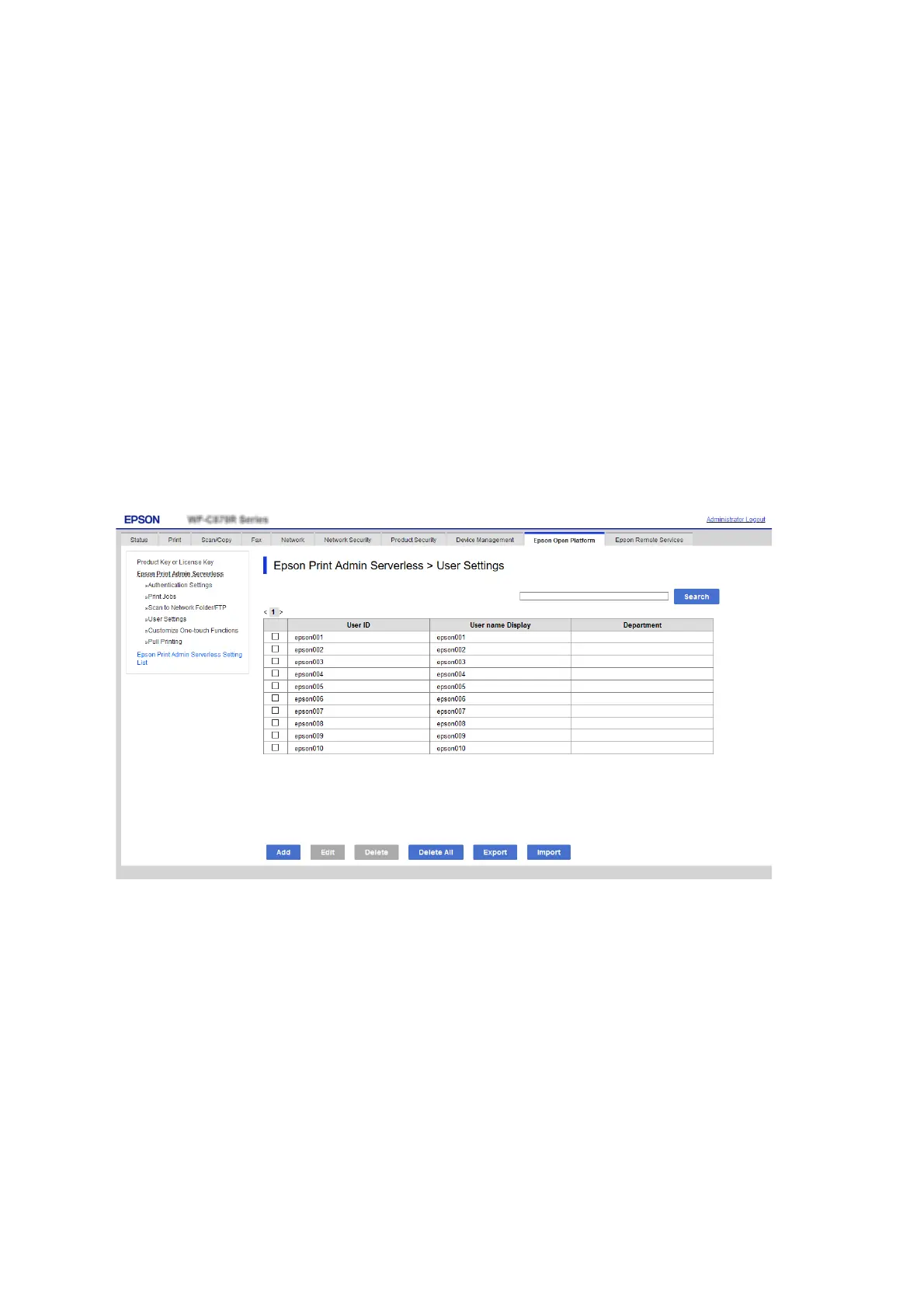
Registration for the User Information (Web Cong)
Register the user information that is used to user authentication.
When you select LDAP for Authentication Method, you do not need to register the users. In that case, User
Settings is not displayed on the list.
When you select Local DB and LDAP for Authentication Method, make the LDAP server setting together.
Registering the User Information Individually
Enter the user information one by one.
1. Select the Epson Print Admin Serverless Setting List > Epson Print Admin Serverless > User Settings.
Or access Epson Open Platform tab > User Settings.
2. Click Add.
Setup & Administration Guide
Information Registration and System Conguration
38



 To Next Page
 Loading...












