25 / 66
4 • Working with ERBEJET 2
80110-801_V23493
2022-03
Fig. 4-9
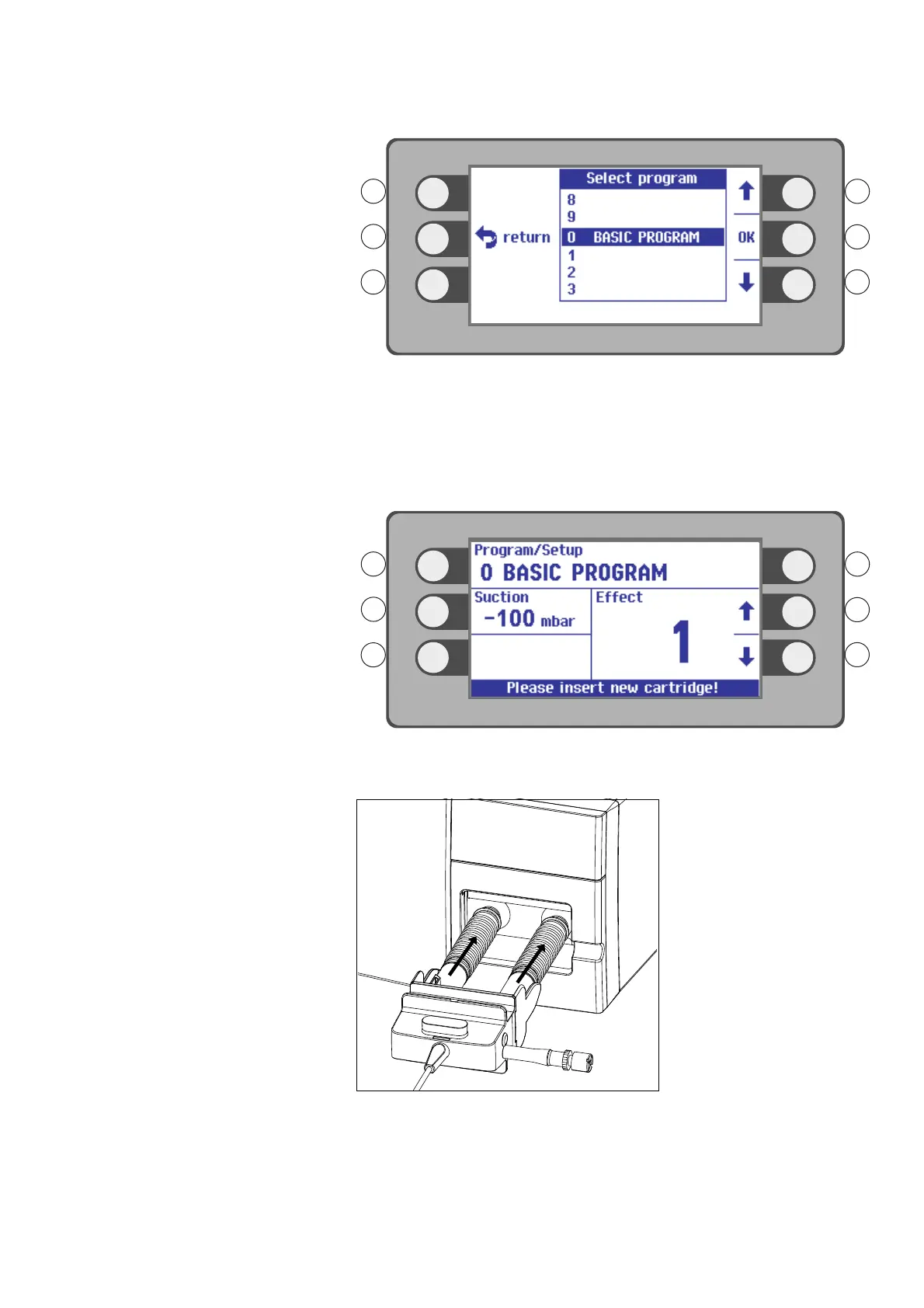
2. You will then see a selection list of programs.
3. Select a program with the selection buttons R1, R3. Example setting: BASIC PRO-
GRAM.
4. Confirm your selection. Press the selection button next to the menu item OK.
Inserting the pump unit into
ERBEJET
2
Fig. 4-10
You come to the Settings window. The ERBEJET prompts you to insert a new pump.
Fig. 4-11
1. Slide the pump unit into the pump shaft. The pump unit must audibly click into
place.
Note: Do not slide a filled pump cartridge into the pump shaft.



 To Next Page