SOFTWARE UPDATE
0740 801 028
- 61 -
© ESAB AB 2017
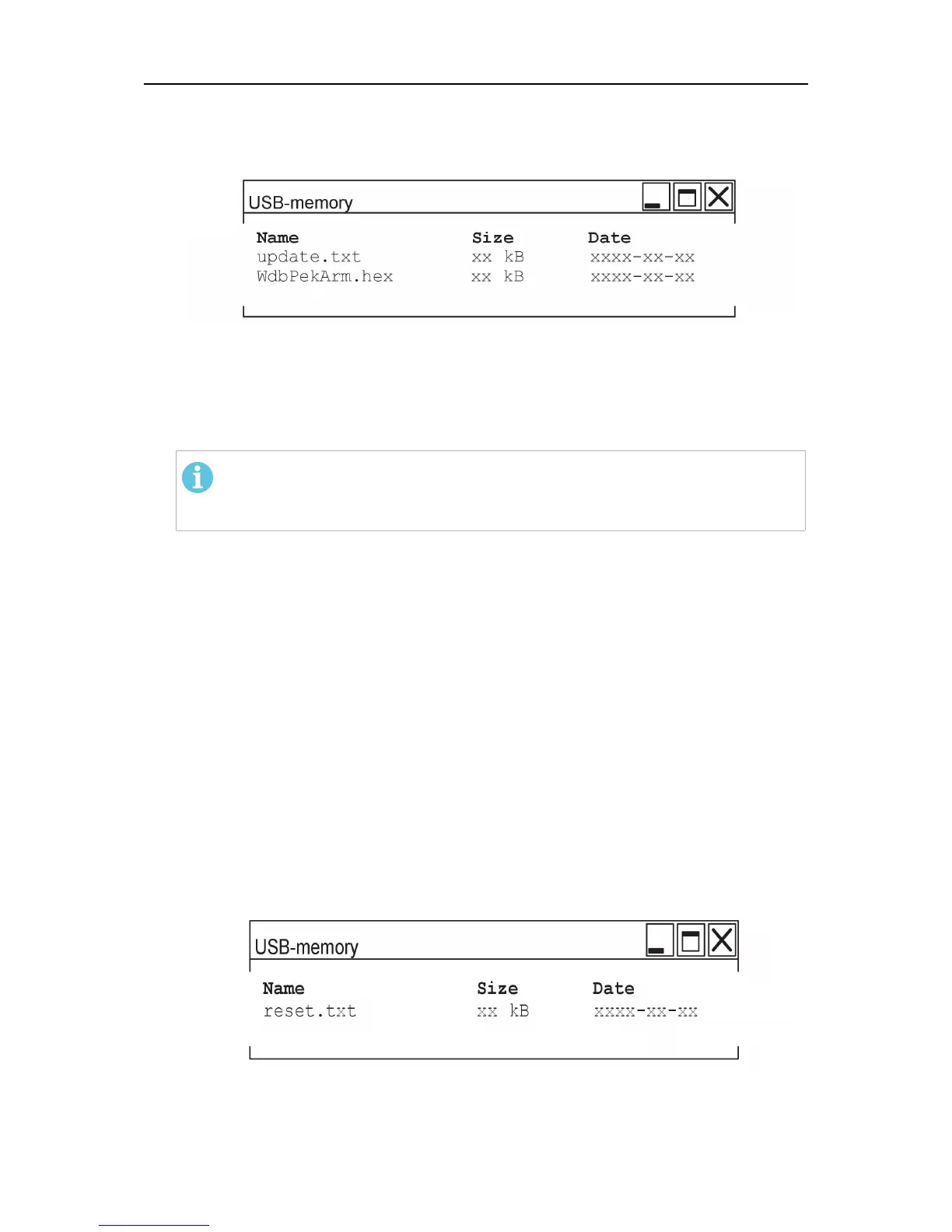
3. Check that the USB memory contains two text files, “update.txt” (see
“Thefile“update.txt””, page57) and the new software (e.g."WdbPekArm.hex"). The
use of “reset.txt” is optional (see “General reset”, page59).
4. Turn off the power source's main switch.
5. Insert the USB memory with the new software, into the USB connector.
6. Turn on the power source's main switch.
The boot program starts automatically with one “beep” sound to load the new software
into the unit. When the program loading is finished, two “beeps” are heard.
NOTE!
Do not stop the upgrade by turning off the power or removing the USB
memory.
7. Turn off the power source's main switch.
8. Remove the USB memory with the software upgrade.
9. Turn on the power source's main switch.
10. The software upgrade is now finished.
11. Import the backed-up welding data from the USB memory into the units memory (see
Export/Import in the users manual for the unit).
Reset with reset.txt
1. If desired, export welding data and settings from the units memory to an empty USB
memory (see Export/Import in the users manual for the unit).
2. By means of a computer, prepare a USB memory stick with the file “reset.txt”.
3. Check that the USB memory contains the file “reset.txt” (see “Thefile“reset.txt””,
page58).
4. Turn off the power source's main switch.
5. Insert the USB memory with the file “reset.txt”, into the USB connector.



 To Next Page