SOFTWARE UPDATE
0740 801 028
- 57 -
© ESAB AB 2017
SOFTWARE UPDATE
Motor control 26AP1
Update of software (firmware) for the motor control 26AP1 must be done with the help of the
ESAT service kit. See the documentation for the ESAT service kit.
Welding data unit 1AP1
The software (firmware) in the welding data unit 1AP1 can be updated from a USB memory
stick without use of the ESAT service tool. To update the welding data unit 1AP1 you will
need a USB memory stick with the files:
• update.txt
• the new software release (for example WdbPekArm.hex).
Normally there is no need for a general reset after a software upgrade. Read more about
reset in the "General reset" section.
NOTE!
Turn off the power before inserting/removing the USB memory from the unit!
NOTE!
Configure your computer to show extensions for known file types!
Thefile“update.txt”
To make a software upgrade, the USB memory must contain a text file named:
update.txt
The “update.txt”file specify the path to the new software. The “update.txt”file, must
be be located directly at the root path of the USB memory.
The new software file can be located anywhere in the USB memory as long as the path is
specified in the “update.txt”file.
The USB memory will be attached as a “C:”drive to the unit, so the path to the new
software must start with:
C:\\
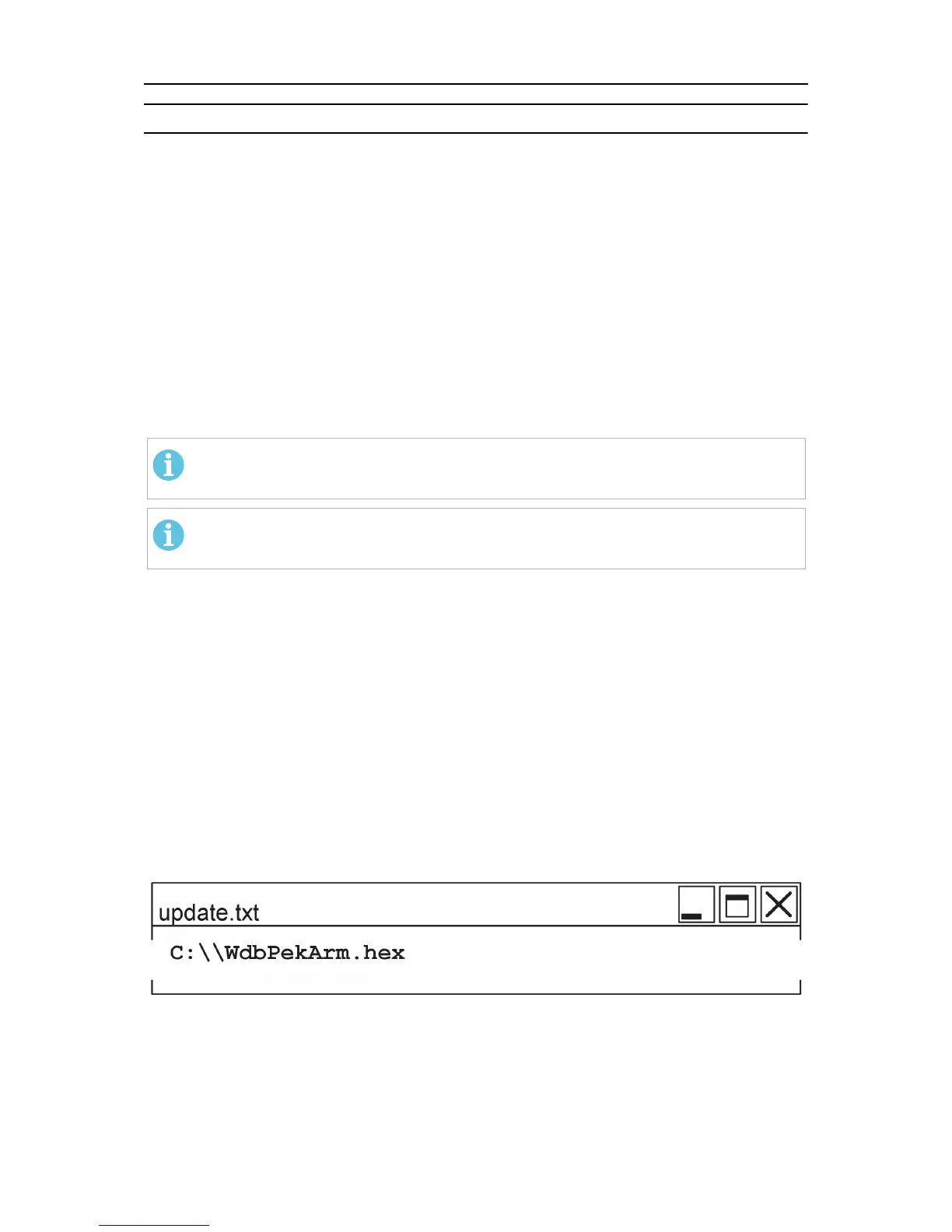
An example of the content in the “update.txt”file is:
where “WdbPekArm.hex” is the name of the software file.
After a successful software update the “update.txt”file is automatically renamed to
“update.txt_”. If the USB memory still is connected at the next power on, a new upgrade
is then prevented.
Before the USB memory stick can be used for update of another unit the text file must be
edited by a computer back to: ”update.txt”.



 To Next Page