-- 42 --
1sxx02cw
Service aid
We can offer a number of service tools that will simplify the service.
ESAB Administration Tool (ESAT)
Ordering no. 0458 847 880
ESAB Administration Tool (ESAT) is software that provides possibility of updating the
software in power source. ESAT contains also service functions by which it is possible to
control, change or read the different functions in the equipment.
For the installation and use of ESAT a computer with operating system Windows 9x, NT4,
2000 or XP is needed.
Contents:
S CAN adapter MECEL PPCAN
S Connection Cable between CAN adapter and power source
S CAN adapter software
S ESAT software
S Instruction manual for Esat
CAN supply service kit
Ordering no. 0349 310 369
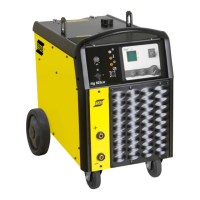
As the Origo
TM
Mig 400t/500t don’t have external CAN connector and the CAN interface is
not internally supplied, the CAN supply service kit is needed.
Contents:
S transformer 230V/9V,
S cable 9 DSUB male--female
To make an update of the system, you will also need an application program upgrade. This
program will be sent to registered ESAT users by e--mail or be downloaded from ESAB web
site. ESAT has it’s own instruction manual 0458 885 174.
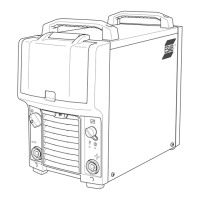
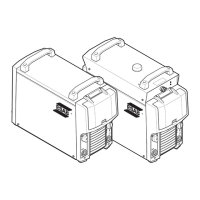
Assuming previous installation of ESAT software in the computer, disconnect the machine
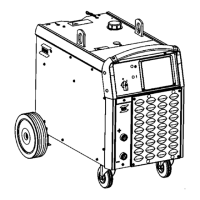
from mains and remove the left side cover to achieve connectors on the PC boards (see
drawing). Connect the CAN supplying transformer to W socket and connect the 9--9 DSUB
cable to CAN_A or CAN_B DSUB connector. Connect the other side of cable to the parallel
port of the PC via PPCAN adapter.





 To Next Page