PAGE 76
FIREBALL INSTALLATION & USER’S GUIDE - M22001-01A1
CHAPTER 3 - GETTING STARTED
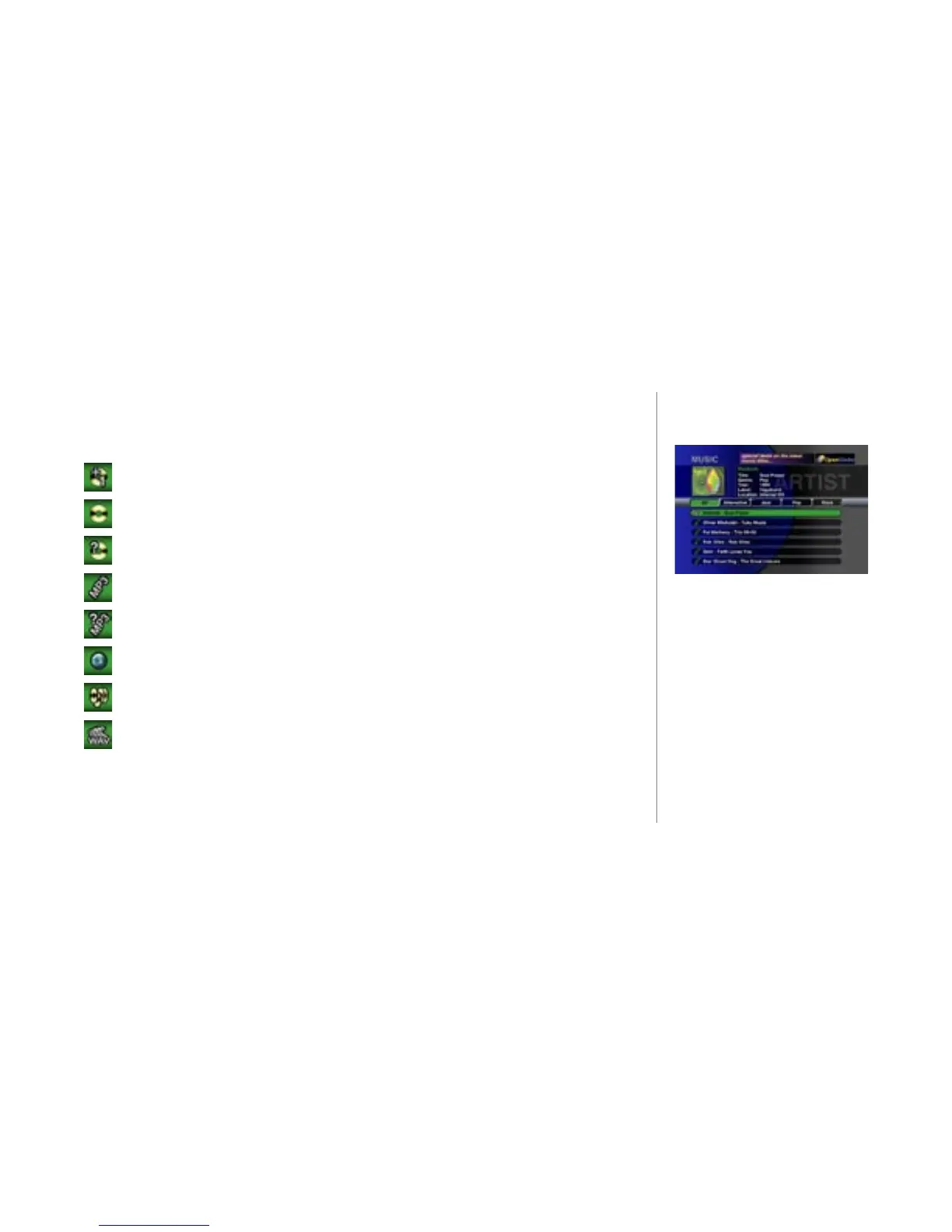
Content Icons
In front of each title in the Guide Screen is a content icon that describes the format and
the type of media in the music library. Following are descriptions of all the icons.
A CD or MP3 disc located in FireBall’s internal disc drive
A CD which is located in an external changer
A CD which is located in an external changer which has been disconnected
A collection of MP3 tracks
A collection of MP3 tracks on a disconnected remote FireBall
An Internet Radio station.
A collection of songs known as a “playlist”
An uncompressed audio le also known as a WAV le
Sample Guide Screen



 To Next Page