PAGE 77
FIREBALL INSTALLATION & USER’S GUIDE - M22001-01A1
CHAPTER 3 - GETTING STARTED
Player Screen
The Player screen is used to listen to audio content and display information about the
currently playing content.
• The Music Player allows you to listen to a music selection and view the tracks
that are being played, the name of the artist, the title, track times, and a large
image of the album’s cover art.
• The Radio Player allows you to listen to a selected iRadio station and view the
station information and song information (if available).
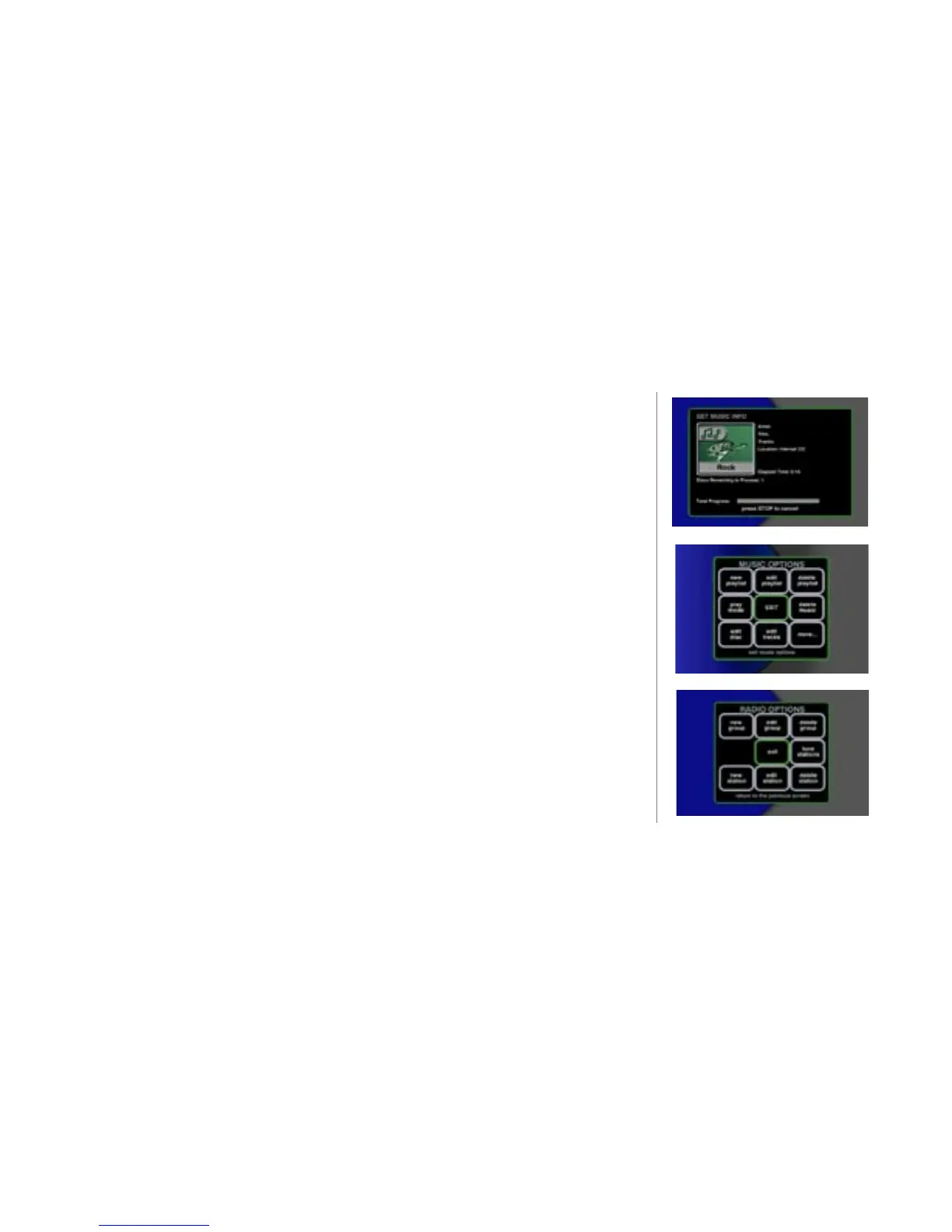
Options Screen
The OPTIONS menu for Music and iRadio are similarly congured but the wording is
different. Both of the menus allow you to organize and edit your music content.



 To Next Page