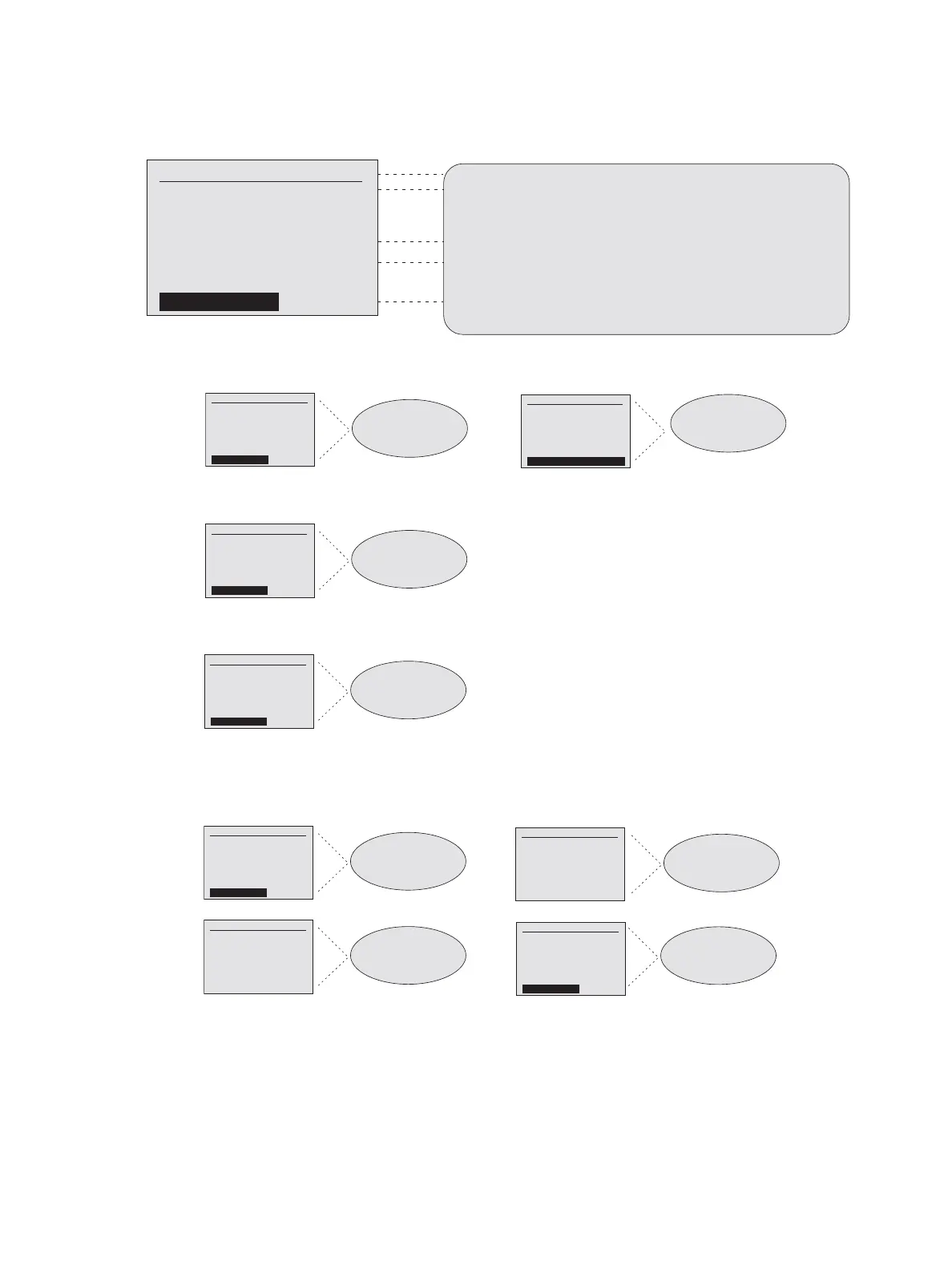
CEM3 Menu Flow Chart 47
Home Screen
Normal Operation
Panic
AF Card Upgrade
Battery Backup or RideThru Active
Redundant Tracking
Notes:
Rack #1 - CEM3 Rack
System OK
DMX A: Off DMX B: Off
sACN: 1/1
[Quick Setup] [Info]
displays rack number and rack name
Rack #1 - CEM3 Rack
System OK
Presets Active
10.101.101.101
DMX A: Off DMX B: Off
sACN: 1/1
[Quick Setup] [Info]
displays “System OK” if no error state exits. If error states exits, the system status display will scroll through errors.
Highlight an error and press [Enter] to clear it.
displays the first DMX A and DMX B patched values by lug or “OFF”
displays the current sACN address in universe/channel or absolute format depending on configuration setting
(see UI Preferences) or “OFF”
[Quick Setup] is shown if the rack property “Setup at Home” is set to Yes. See Rack in the Setup menu flow chart.
Highlight [Quick Setup] and press [Enter] to access the Quick Setup menu (see the Quick Setup menu flow chart).
Highlight [Info] and press [Enter] to access View/Clear Errors (see the Info menu flow chart below the
Quick Setup menu flow chart).
Note:
Note:
Panic is active.
See Setup menu flow chart
for Panic settings.
Panic operation:
If Out Delay is set to Manual,
following clearing of the
electrical panic select
[Restore Control] to clear
the panic look.
Rack #1 - CEM3 Rack
System OK
DMX A: Off DMX B: Off
sACN: 1/1
[Quick S etup] [Info]
Rack #1 - CEM3 Rack
System OK
Presets Active
10.101.101.101
DMX A: Off DMX B: Off
sACN: 1/1
Panic Active!
[Quick Setup] [Info]
Rack #1 - CEM3 Rack
System OK
DMX A: Off DMX B: Off
sACN: 1/1
[Quick S etup] [Info]
Rack #1 - CEM3 Rack
System OK
Presets Active
10.101.101.101
DMX A: Off DMX B: Off
sACN: 1/1
Panic Ended!
[Restore Control]
Note:
AF Card is being upgraded.
Rack #1 - CEM3 Rack
System OK
DMX A: Off DMX B: Off
sACN: 1/1
[Quick S etup] [Info]
Rack #1 - CEM3 Rack
Upgrading AF Card #1
Presets Active
10.101.101.101
DMX A: Off DMX B: Off
sACN: 1/1
[Quick Setup] [Info]
Note:
Backup battery or RideThru
is active.
Rack #1 - CEM3 Rack
System OK
DMX A: Off DMX B: Off
sACN: 1/1
[Quick S etup] [Info]
Rack #1 - CEM3 Rack
System OK
Presets Active
10.101.101.101
DMX A: Off DMX B: Off
sACN: 1/1
Backup Power ACTIVE!
[Quick Setup] [Info]
Note:
Note:
Note:
Note:
Redundant Tracking:
the home screen of
processor A when
processor A is in control.
Redundant Tracking:
the home screen of
processor A when
processor B is in control.
Redundant Tracking:
the home screen of
processor B when
processor A is in control.
Redundant Tracking:
the home screen of
processor B when
processor B is in control.
Rack #1 - CEM3 Rack
System OK
DMX A: Off DMX B: Off
sACN: 1/1
[Quick S etup] [Info]
Rack #1 - CEM3 Rack
System OK
Presets Active
10.101.101.101
DMX A: Off DMX B: Off
sACN: 1/1
[Quick Setup] [Info]
Rack #1 - CEM3 Rack
System OK
DMX A: Off DMX B: Off
sACN: 1/1
[Quick S etup] [Info]
CEM3 Control
Backup Ready
Rack #1 - CEM3 Rack
System OK
DMX A: Off DMX B: Off
sACN: 1/1
[Quick S etup] [Info]
CEM3 Control
Backup Active
Rack #1 - CEM3 Rack
System OK
DMX A: Off DMX B: Off
sACN: 1/1
[Quick S etup] [Info]
Rack #1 - CEM3 Rack
System OK
Presets Active
10.101.101.101
DMX A: Off DMX B: Off
sACN: 1/1
[Quick Setup] [Info]
Processor A in Control Processor B in Control



 To Next Page