5
55
5
9
SELECT
On live view, press this key to assign a camera to a multi-screen or to adjust single
screen display properties. In menus, press this key to select certain features.
10
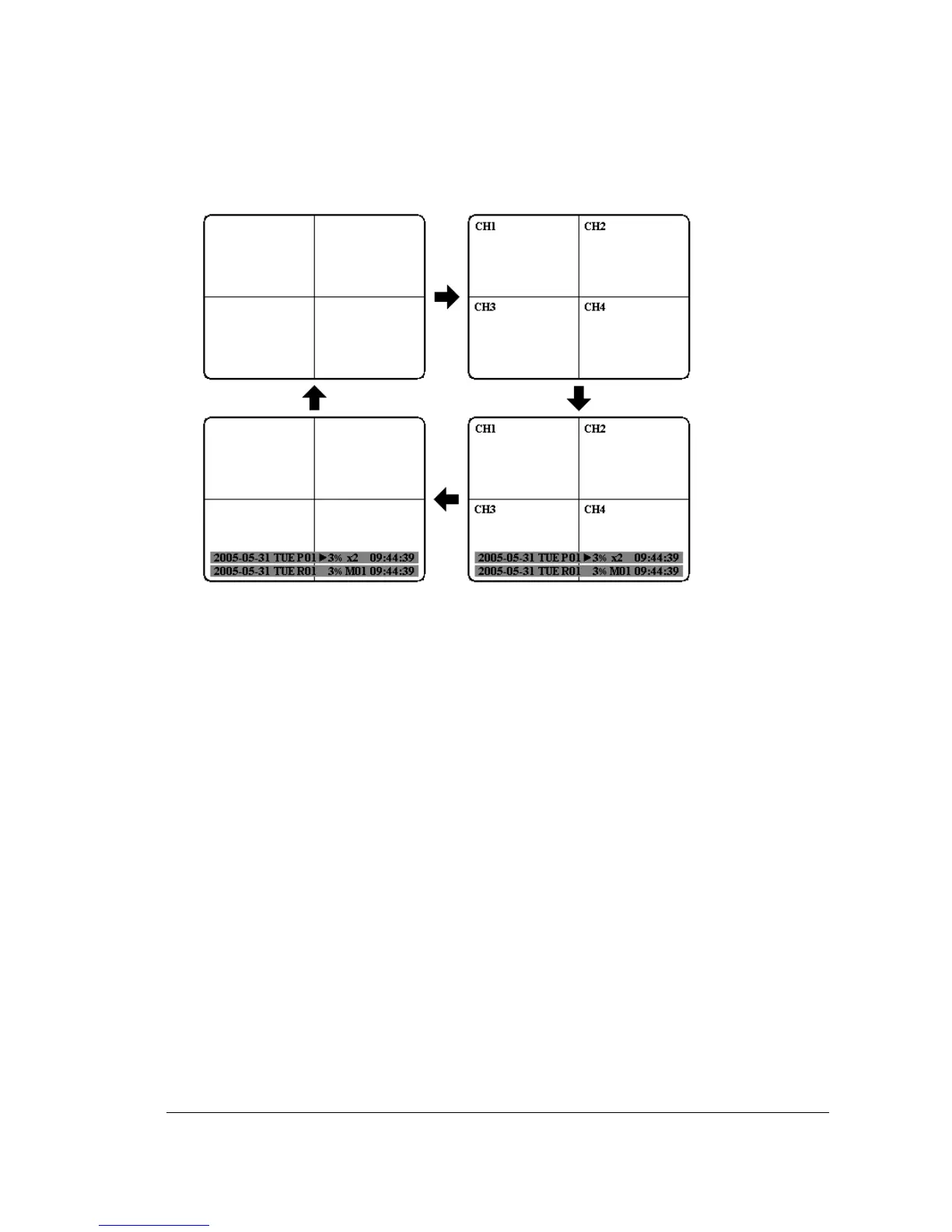
MODE
Switch PIP, 4, 7, 9, 10, 13 and 16 displays in Live and Playback modes.
11
ZOOM
In full screen mode, 2x electronic zoom. Zoom screen can be moved through JOG.
Enter key changes the direction. Pressing the zoom key again switches the
electronic zoom off.
In multiscreen mode: Image orientation adjustment. Use the JOG to adjust the
image to the respective monitor type. ENTER switches between horizontal and
vertical adjustment. Press the zoom key again to exit screen adjustment.
12
SEQ
Press this key to enter the auto sequential switching mode.














 To Next Page