61
6161
61
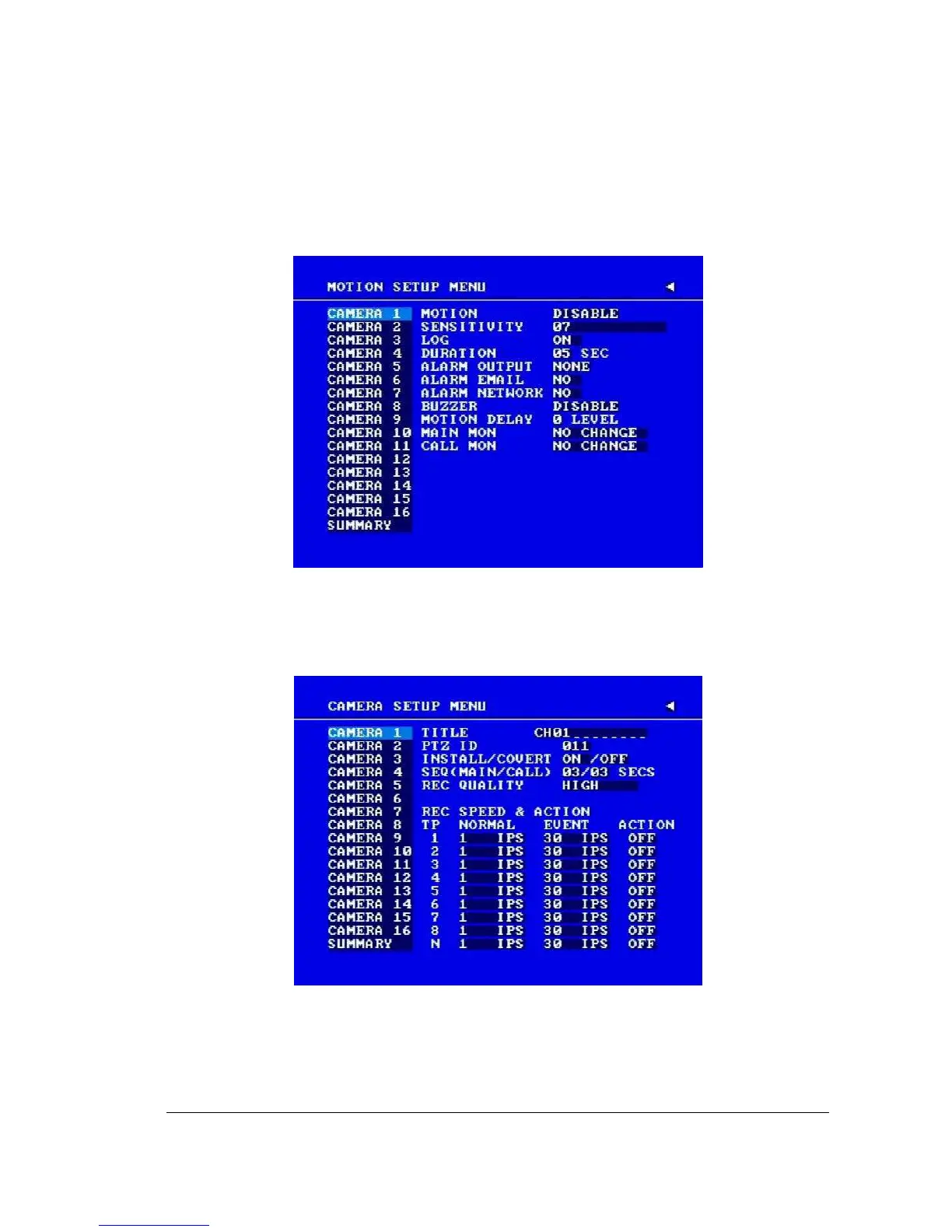
1. First enable each event (alarm or motion) in its respective menu. For example, you can
enable motion on Camera 2 in the MOTION SETUP MENU as shown below. You can
enable multiple alarm or motion triggers.
Diagram 4.2
2. When the event is set, enter the CAMERA SETUP MENU to set the event recording
speed (PS) of the camera in the time period (TP) section.
Diagram 4.3














 To Next Page