9
Eversense E3 CGM User Guide
Eversense App
The Eversense App is a software application that runs on a mobile device (e.g., smartphone or tablet) and displays
glucose data in a variety of ways. It also provides alerts based on the glucose settings you choose.
IMPORTANT: In order to use the Eversense E3 CGM System, you must have an understanding of downloading
and using mobile apps on your handheld device. Data from the Eversense E3 Smart Transmitter is sent wirelessly via
Bluetooth. Carefully read the instructions in this User Guide for downloading and installing the Eversense Mobile App,
and for pairing your mobile device with the smart transmitter. If there is anything you do not understand in this User
Guide, please contact your local distributor.
Disposable adhesive patches for daily use are also included as part of the system and will be provided to you by your
healthcare provider after your sensor has been inserted. The patch has an acrylic adhesive side that attaches to the
back of the smart transmitter, and a silicone adhesive side that attaches to the skin.
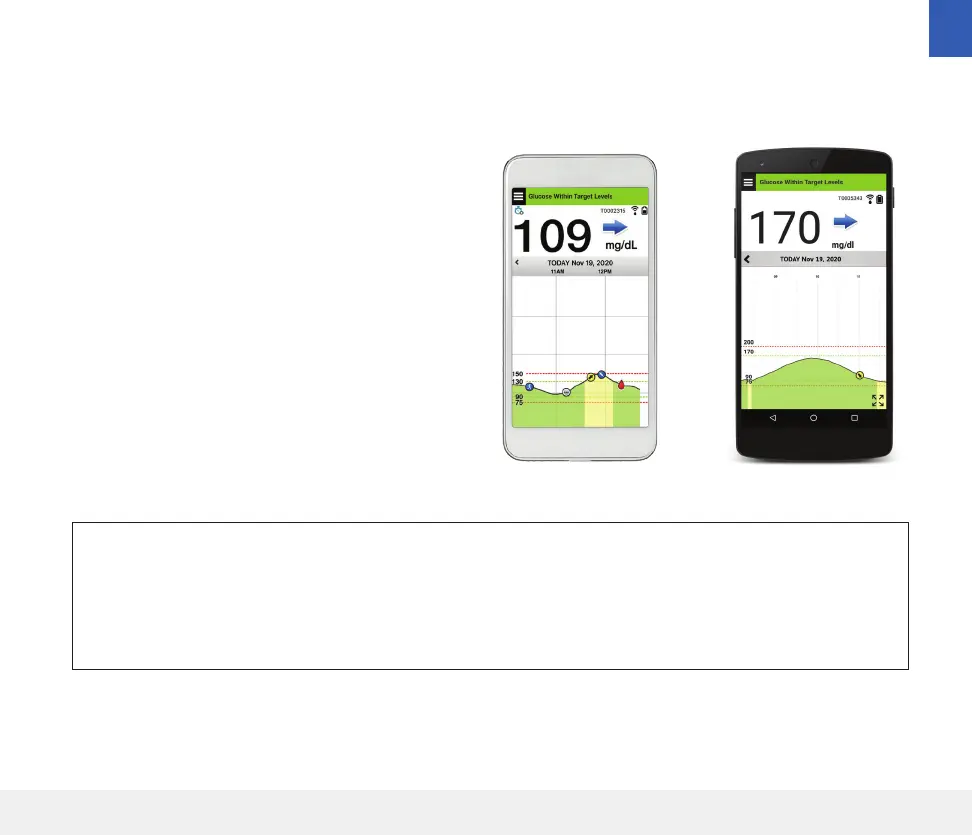
The Eversense App screen layouts will vary based on
your mobile device’s model and/or operating system.
Throughout this User Guide, we have included some
examples of these dierences.
Make sure your mobile device is using the latest
operating system that is listed as compatible on our
website at https://global.eversensediabetes.com/
compatibility.
iOS Android
1



 To Next Page