13
150
Eversense E3 CGM User Guide
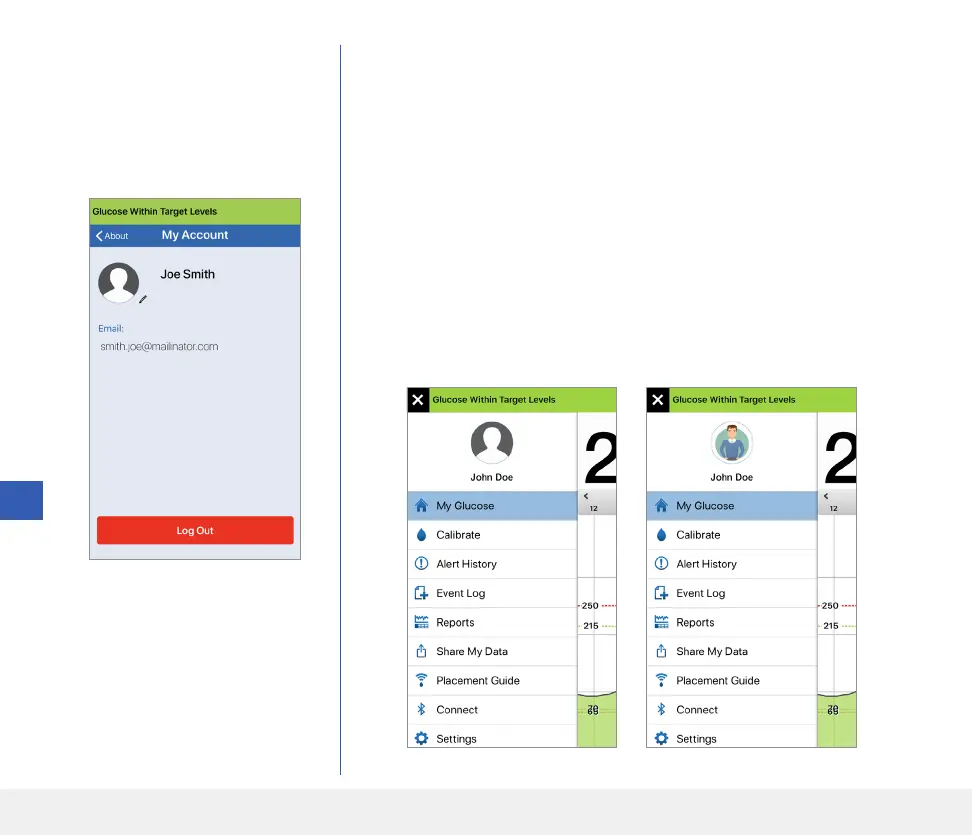
On the My Account screen,
you can edit your profile picture,
view the email address used to
create your Eversense account,
and log out of the Eversense App.
Profile Picture
You can update the profile picture in your Eversense account, which will be
displayed in your Eversense Mobile App and in your Eversense DMS account.
• Go to About > My Account and tap on the picture. You can also tap
on the picture from the main menu.
• Follow the prompt to either update or delete the image. You can either
take a new photo or choose an existing photo that is saved on your device.
• The photo you select will be displayed on the Main Menu screen.
Note: You can also change your profile picture from your Eversense DMS
account. See the Eversense DMS User Guide for more information.



 To Next Page