70
Eversense E3 CGM User Guide
7
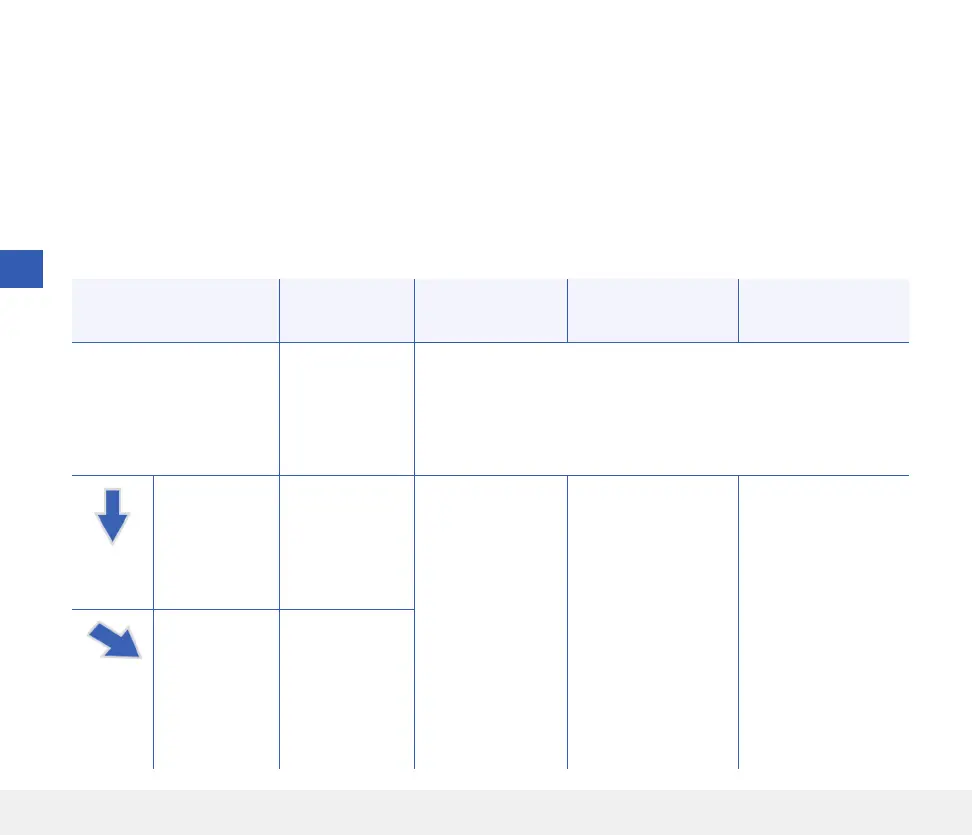
Eversense E3 Trend Arrows and Treatment Decisions
Eversense E3 trend arrows show the direction and rate of change of your glucose to give you an idea of where
your glucose is headed. Talk with your healthcare provider about using trend arrows to help you make treatment
decisions. Generally, if the arrow is going down, you may consider taking less insulin, and if the trend arrow is
going up, you may take more. Be careful not to take too much insulin in a short time, as that could result in low
glucose from stacking insulin. The Eversense E3 arrows are listed below, along with how you may use them when
considering treatment. Talk with your healthcare provider about making adjustments to treatment based on trend
arrows. Never make a treatment decision using CGM if there is no arrow displayed.
Eversense E3
Trend Arrow
What it
Indicates
Low
Glucose
High
Glucose
Glucose
in Range
No trend arrow
Not enough
data to calculate
glucose trend
direction or rate
of change.
Do a fingerstick blood glucose check with your BG meter before
making a treatment decision, even if your glucose is in range.
Glucose is
falling at a
rapid rate
(> 2.0 mg/dL/
minute).
Your glucose
could drop
30 mg/dL or
more within
15 minutes.
Treat with carbs
and consider if
you recently have
finished exercising
or if you may have
taken too much
insulin.
If you’ve recently
taken insulin or are
about to exercise,
wait and check your
CGM value and trend
arrow frequently
before making a
treatment decision.
Treat with carbs
and consider if you
recently have finished
exercising or if you
may have taken too
much insulin.
Glucose is
falling at a
moderate rate
(between 1.0
and 2.0 mg/
dL/minute).
Your glucose
could drop
between 15 and
30 mg/dL within
15 minutes.



 To Next Page