13
149
Eversense E3 CGM User Guide
149
Eversense E3 CGM User Guide
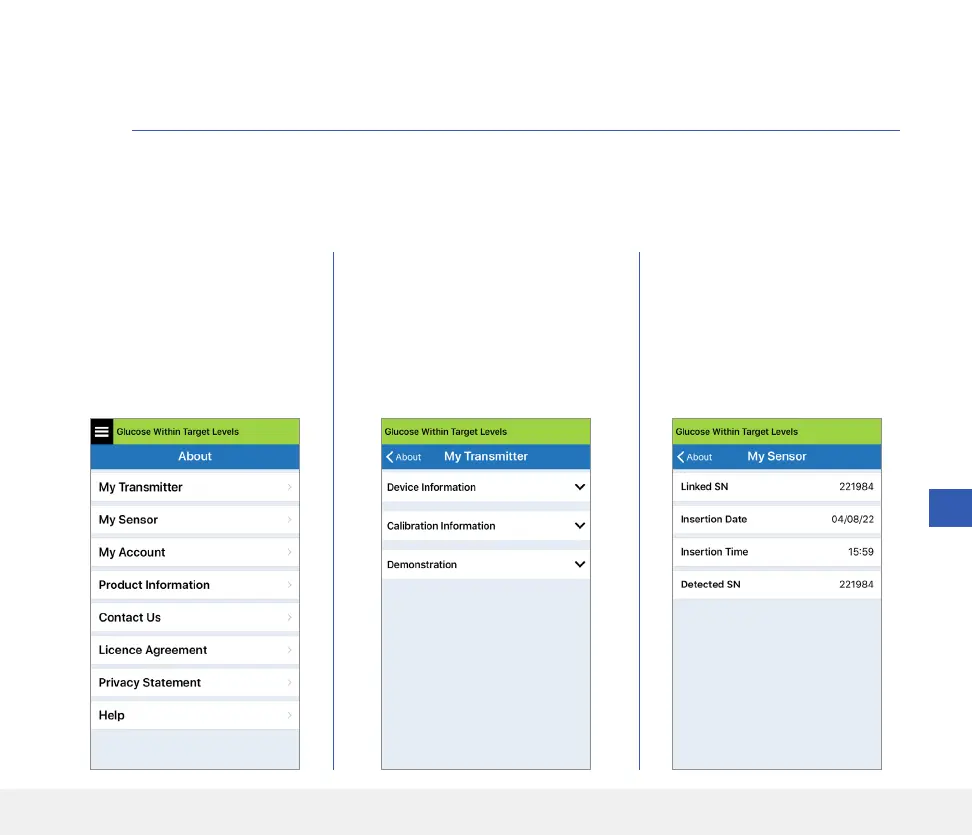
This section describes the information available from the About section of the Main Menu.
You can view product information about your smart transmitter, your sensor and your Eversense CGM
Mobile App.
1. Tap Menu > About and
then tap My Transmitter,
My Sensor or Product
Information.
On the My Transmitter screen,
you can find information that
includes the serial number, calibration
information and battery level. You
can also demonstrate the vibration
feature of the smart transmitter.
On the My Sensor screen, you
can view the sensor serial number
and insertion details.
13. Product and General Information
on the App



 To Next Page