53
Eversense E3 CGM User Guide
6
How To Calibrate
Warning: Always calibrate the system using only a fingerstick blood sample. DO NOT use an alternative site
(such as forearm or palm) blood glucose reading to calibrate the system.
Note: You can enter additional calibration readings as long as each calibration is at least one hour apart.
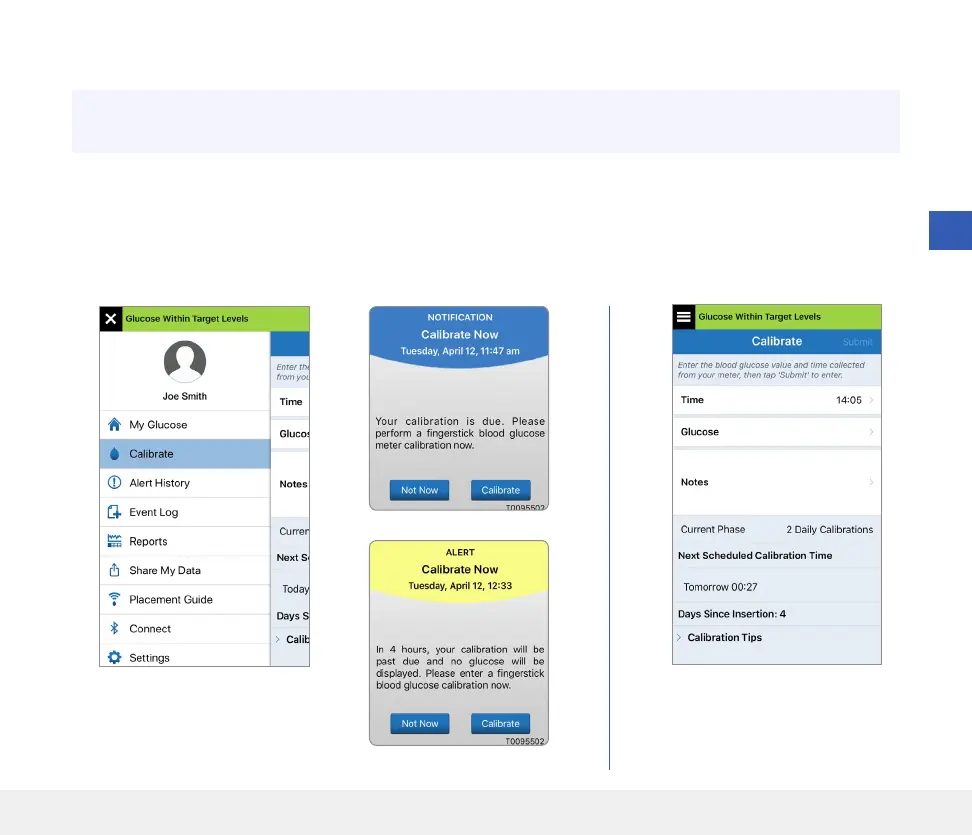
1. You can enter the calibration value by tapping Calibrate from
the main menu or from the Calibrate Now Notification or Alert.



 To Next Page