8
89
Eversense E3 CGM User Guide
Setting System Information
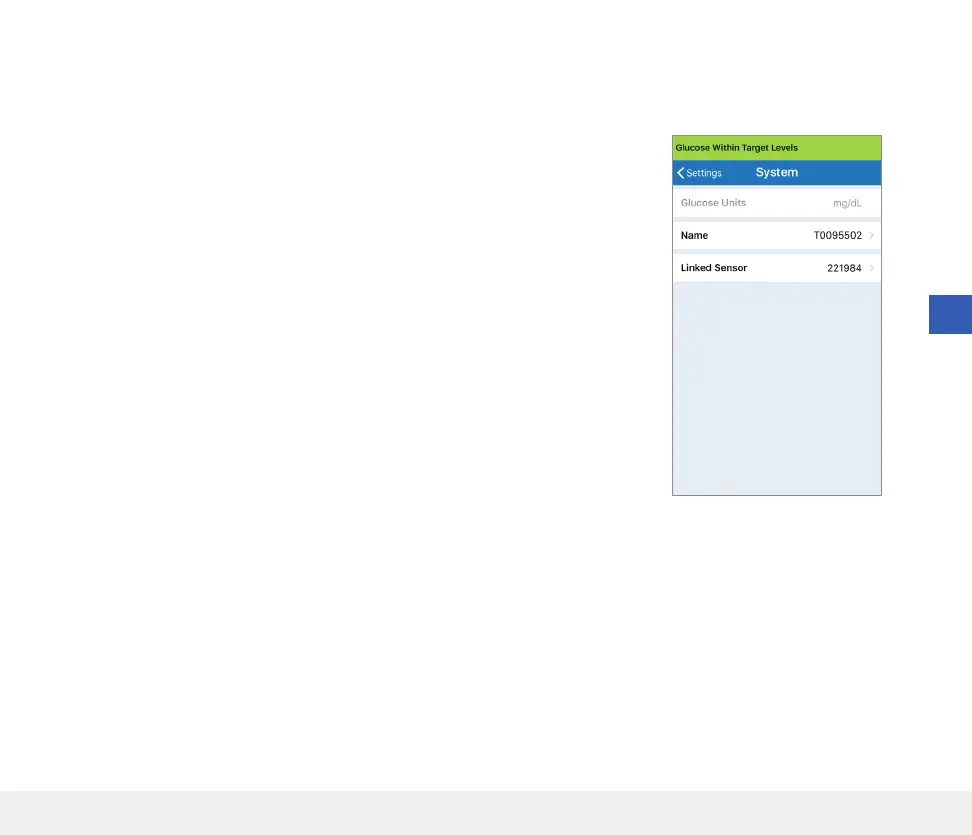
The SYSTEM screen lets you view and edit other settings in your Eversense E3 CGM System.
1. Tap Menu > Settings > System to display the SYSTEMS screen.
2. On the SYSTEMS screen, you can tap each of the following to set:
• Glucose Units. The unit of measurement for your glucose readings.
The App must be reinstalled to edit this setting.
• Name. The serial number of your smart transmitter. You can also tap
on the serial number displayed here and give your smart transmitter
a custom name.
• Linked Sensor. The serial number of the sensor currently linked with
the smart transmitter. Tap this feature to access the ability to link or
re-link a sensor.



 To Next Page