45
Eversense E3 CGM User Guide
5
Turn the Smart Transmitter ON and OFF
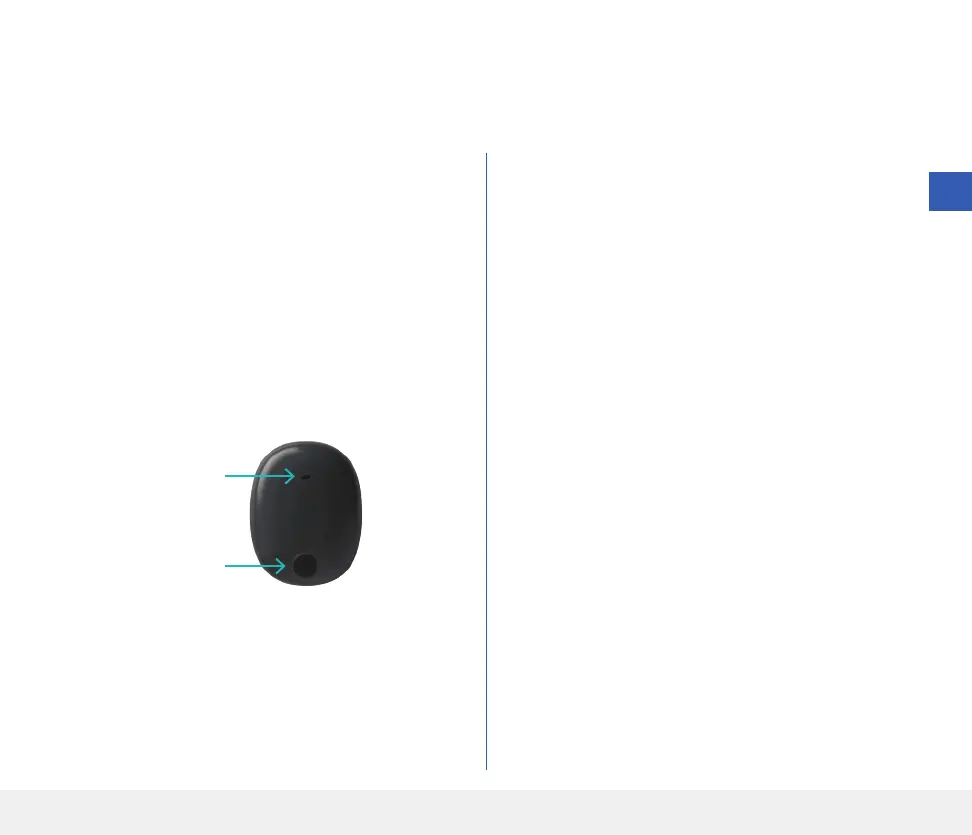
The smart transmitter has a power button to turn the device on and o. The power button and two light emitting
diodes (LED) lights are also used to indicate the remaining battery power.
1. To turn the smart transmitter ON, press and hold
the power button for about five seconds.
• The smart transmitter will vibrate once.
• Release the power button and the LED will
flashes once indicating the power is ON.
At any time, you can press the power button once to
see if the smart transmitter is ON. If the LED appears,
the smart transmitter is ON. If no LED appears, the
smart transmitter is OFF.
2. To turn the smart transmitter OFF, press and hold
the power button for about five seconds.
• The smart transmitter will vibrate once.
• Release the power button and an orange light
will flash once, indicating the power is OFF.
Power button
LED indicator



 To Next Page