10
141
Eversense E3 CGM User Guide
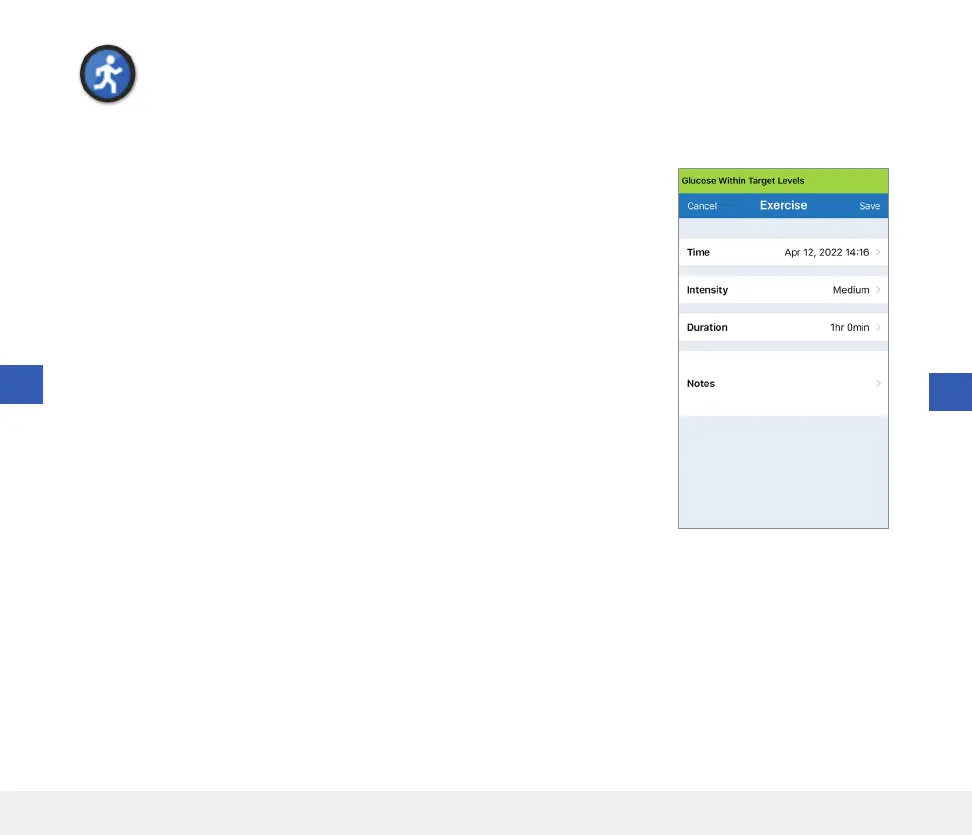
Exercise
Enter exercise type, duration, and intensity.
1. Tap Menu > Event Log.
2. Add an event using the event icon “
+
” > Exercise.
3. Tap Time to enter the correct date and time.
Tap Done.
4. Tap Intensity to enter Low, Medium or High.
Tap Done.
5. Tap Duration to enter the duration.
Tap Done.
6. Tap Notes to enter any notes.
Tap Done.
7. Tap Save to save entry and return to EVENT LOG screen.
Tap Cancel to exit without saving changes.
10



 To Next Page