114
Eversense E3 CGM User Guide
9
Alert Descriptions and Actions (continued)
Alerts
App DisplayDescription
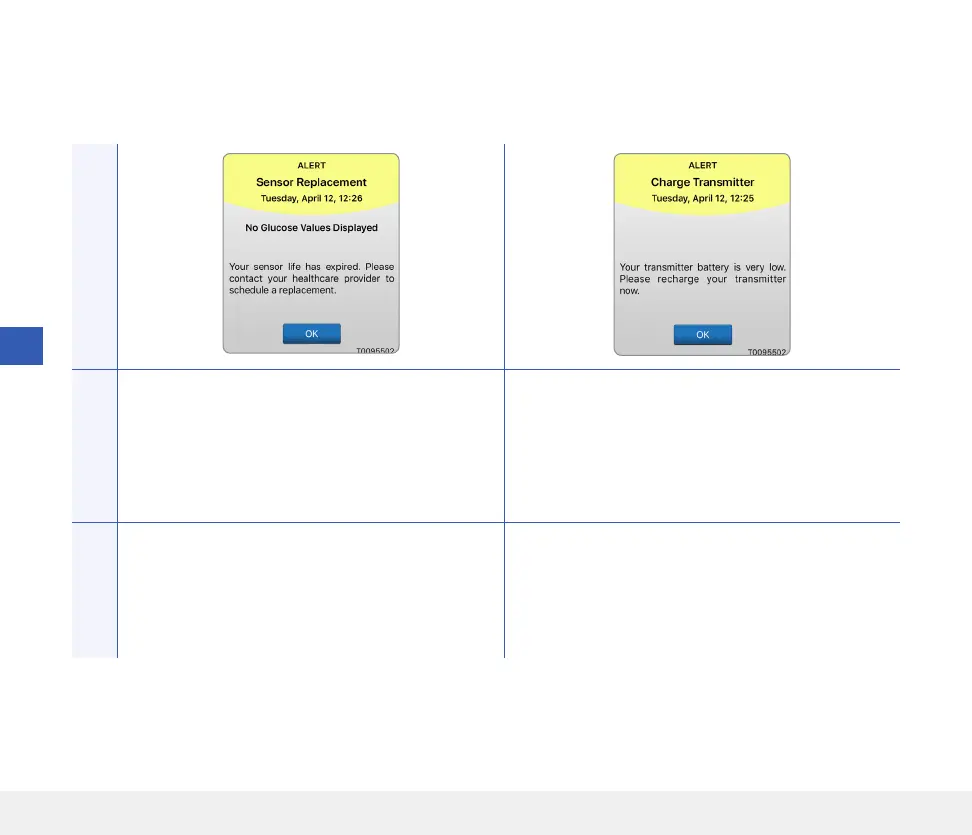
Sensor Replacement*
Appears once when your sensor life has expired.
No glucose readings can be displayed until the
sensor is replaced.
Charge Smart Transmitter*
Appears when the smart transmitter battery power
is very low and you need to charge your battery
very soon.
Actions
Contact your GP to have your sensor replaced. Charge your smart transmitter as soon as possible.



 To Next Page