130
Eversense E3 CGM User Guide
9
Alert Descriptions and Actions (continued)
Alerts
App DisplayDescription
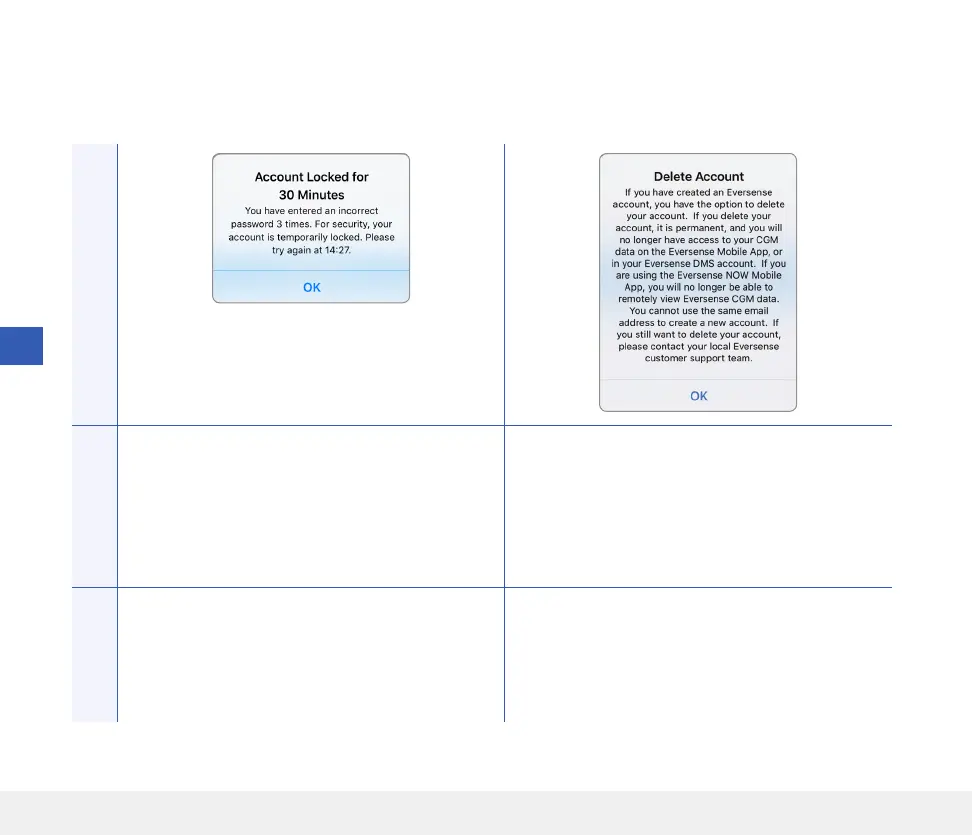
Account Locked
Appears after three incorrect passwords have been
entered consecutively via your mobile app.
Delete Account
Appears when Delete Account is tapped on the log
in page.
Actions
Wait 30 minutes. Log in with correct password or
reset your password.
Contact Customer Support if you wish to proceed.



 To Next Page