132
Eversense E3 CGM User Guide
9
Alert Descriptions and Actions (continued)
Notifications
App DisplayDescription
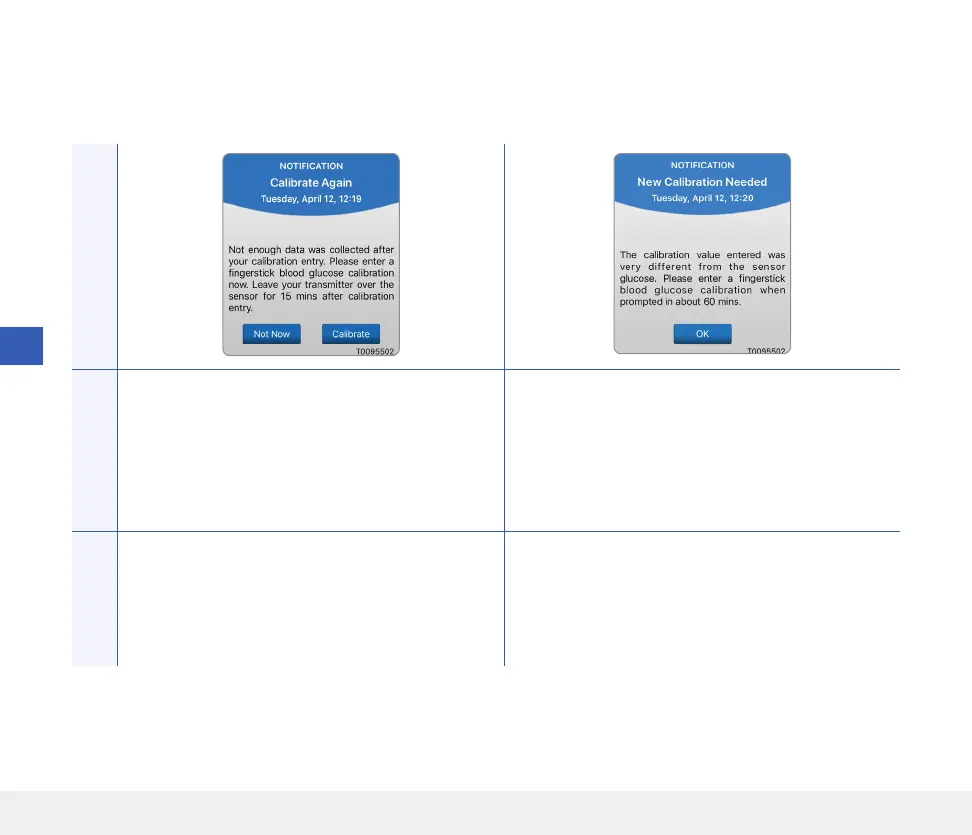
Calibrate Again
Appears when not enough data has been collected
during calibration.
New Calibration Needed
Appears if the calibration value entered is very
dierent from the sensor glucose value. After about
1 hour, you will receive a Calibrate Now notification.
Actions
Tap Calibrate to enter a new calibration value. Enter a new calibration value when prompted.



 To Next Page