14
154
Eversense E3 CGM User Guide
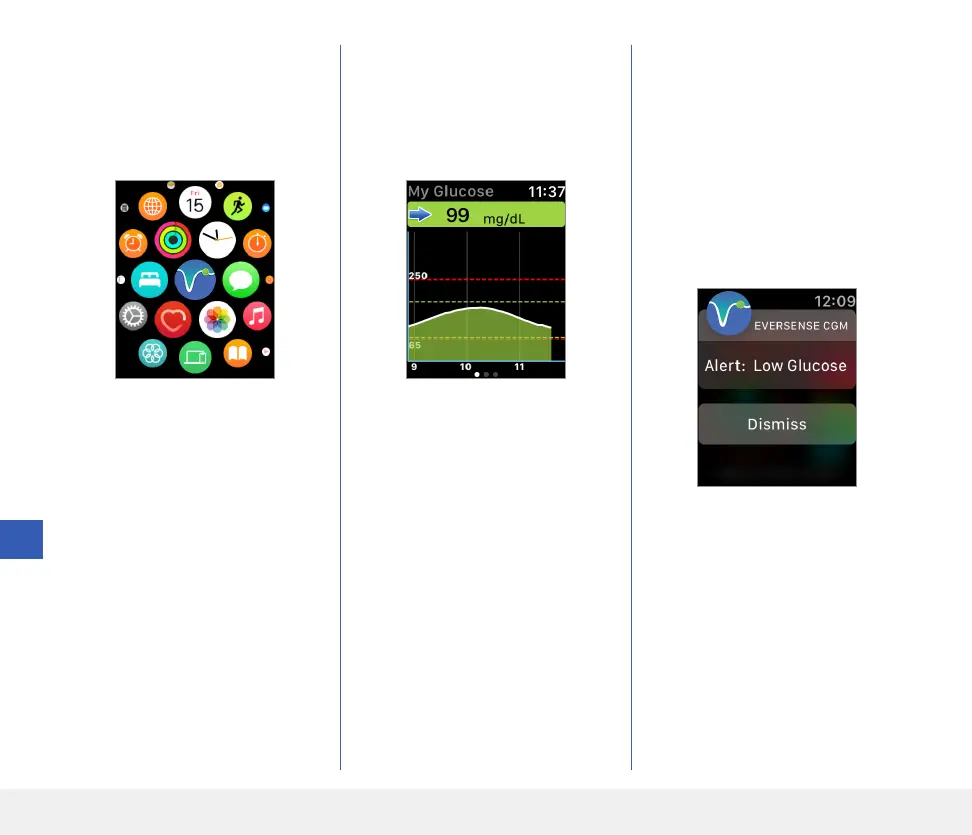
To access additional app features,
tap the Eversense icon on
your watch HOME screen to
open the app.
The My Glucose screen shows
your current glucose with trend
arrow, and a trend graph of your
last three hours of CGM data.
You can also access the
MY GLUCOSE screen if
you turn on notifications from
Eversense E3 in your Apple Watch
settings. When you receive a
notification, you can also tap
on the message to see the
MY GLUCOSE screen.



 To Next Page