14
160
Eversense E3 CGM User Guide
Alerts and Notifications Displayed on the Apple Watch (continued)
Apple Watch
Display
Description
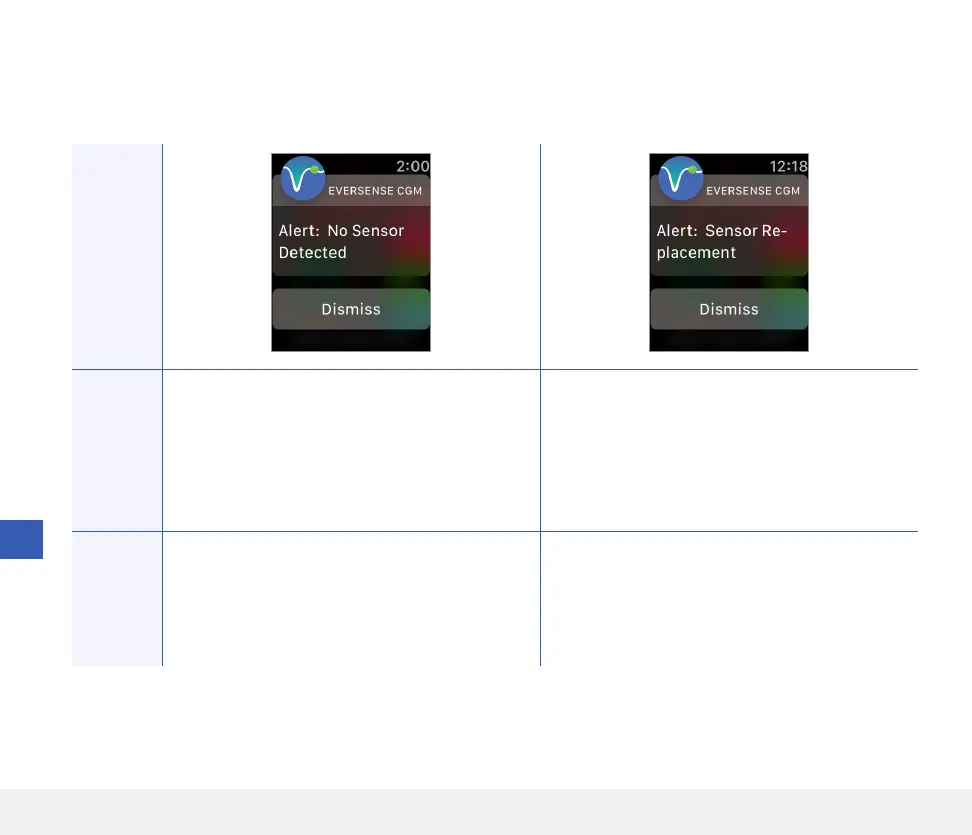
No Sensor Detected
Appears when the connection between your
sensor and transmitter is lost.
No glucose data is available until the connection
is restored.
Sensor Replacement
Appears once when system self-checks detect the
sensor is no longer able to provide glucose values.
Actions
Confirm the alert on your Eversense CGM Mobile
App. Using the Placement Guide for reference,
place the smart transmitter over the sensor until
it shows that there is a connection.
Confirm the alert on your Eversense CGM
Mobile App. Contact your GP to have your sensor
replaced.
Alerts



 To Next Page