32
Eversense E3 CGM User Guide
3
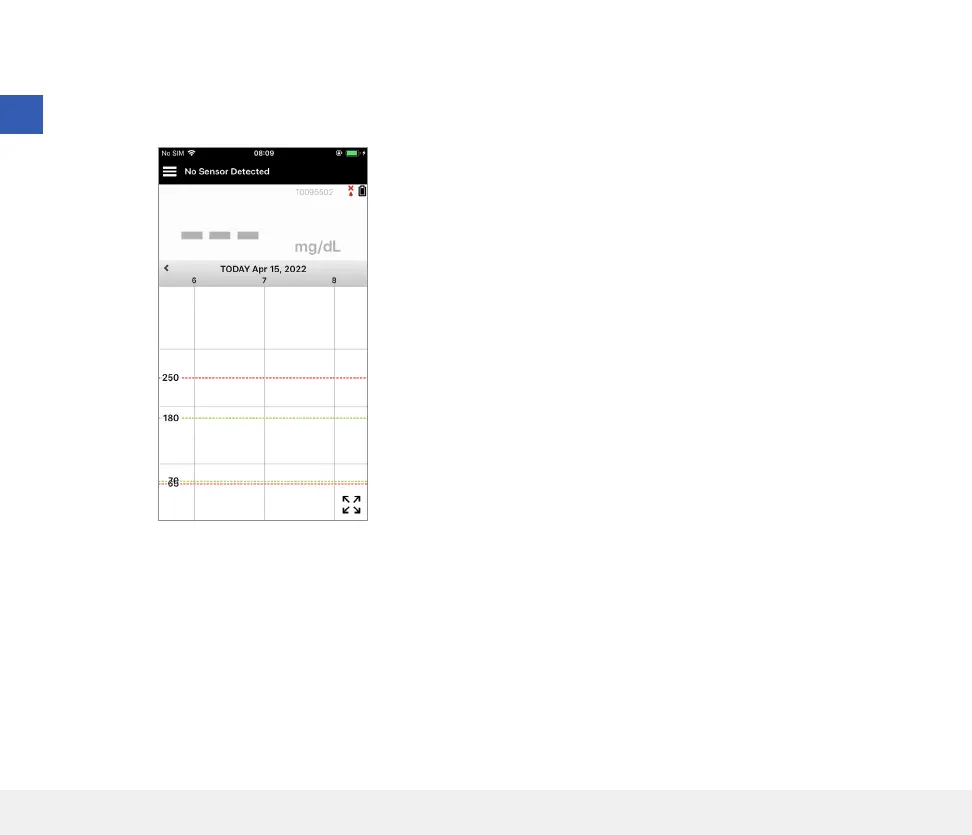
13. Next, the MY GLUCOSE screen appears.
The screen will not have any glucose data to
display at this time.
Once the sensor is inserted by your healthcare provider
and the 24-hour warm-up phase is completed, you can
begin calibration. If you have not yet had your sensor
inserted, you can review this User Guide to become
familiar with the app and its features.
3



 To Next Page