8
91
Eversense E3 CGM User Guide
If the smart transmitter
is removed from
the sensor site, the
system will display a
notification.
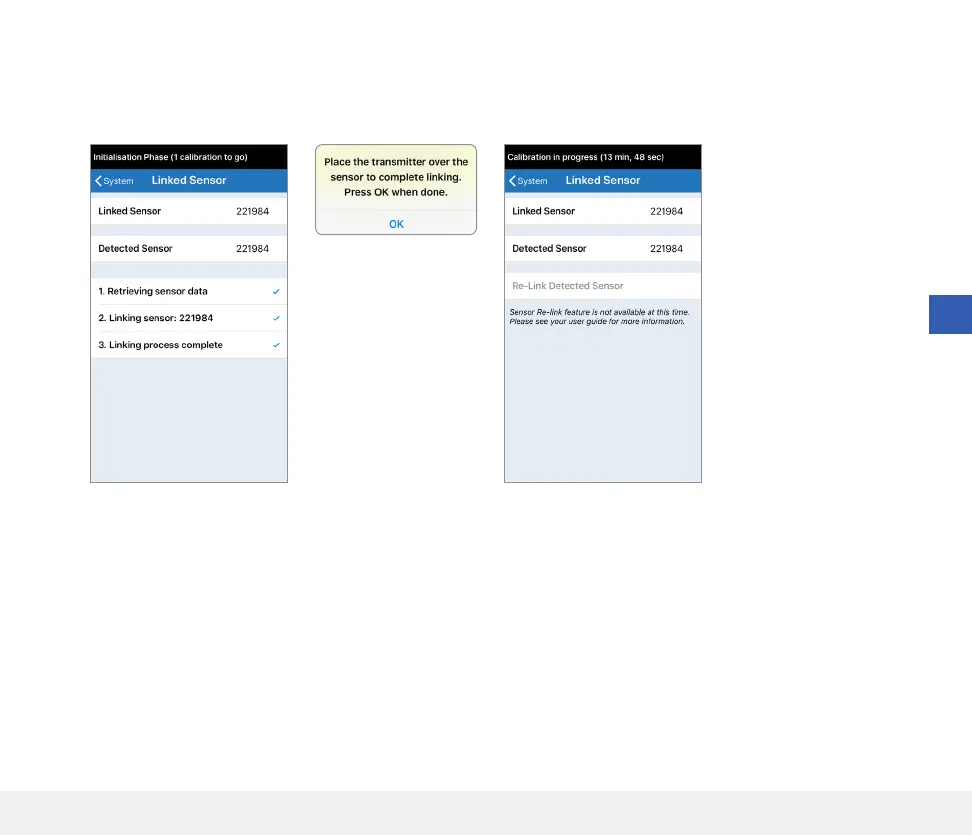
6. The linking process will begin. Each step will show a check mark when finished.
It may take up to 10 minutes for the process to complete. DO NOT remove the
smart transmitter from your insertion site until the third check mark is displayed.
Note: The re-link button will not be available under the following conditions:
• Your transmitter battery needs to be charged or is empty.
• While calibration is in progress.
• Before a sensor has been linked.
• Certain sensor replacement alerts.
• If any of the below alerts are active:
– Transmitter End of Life
– System Time Error
– Sensor Suspend



 To Next Page