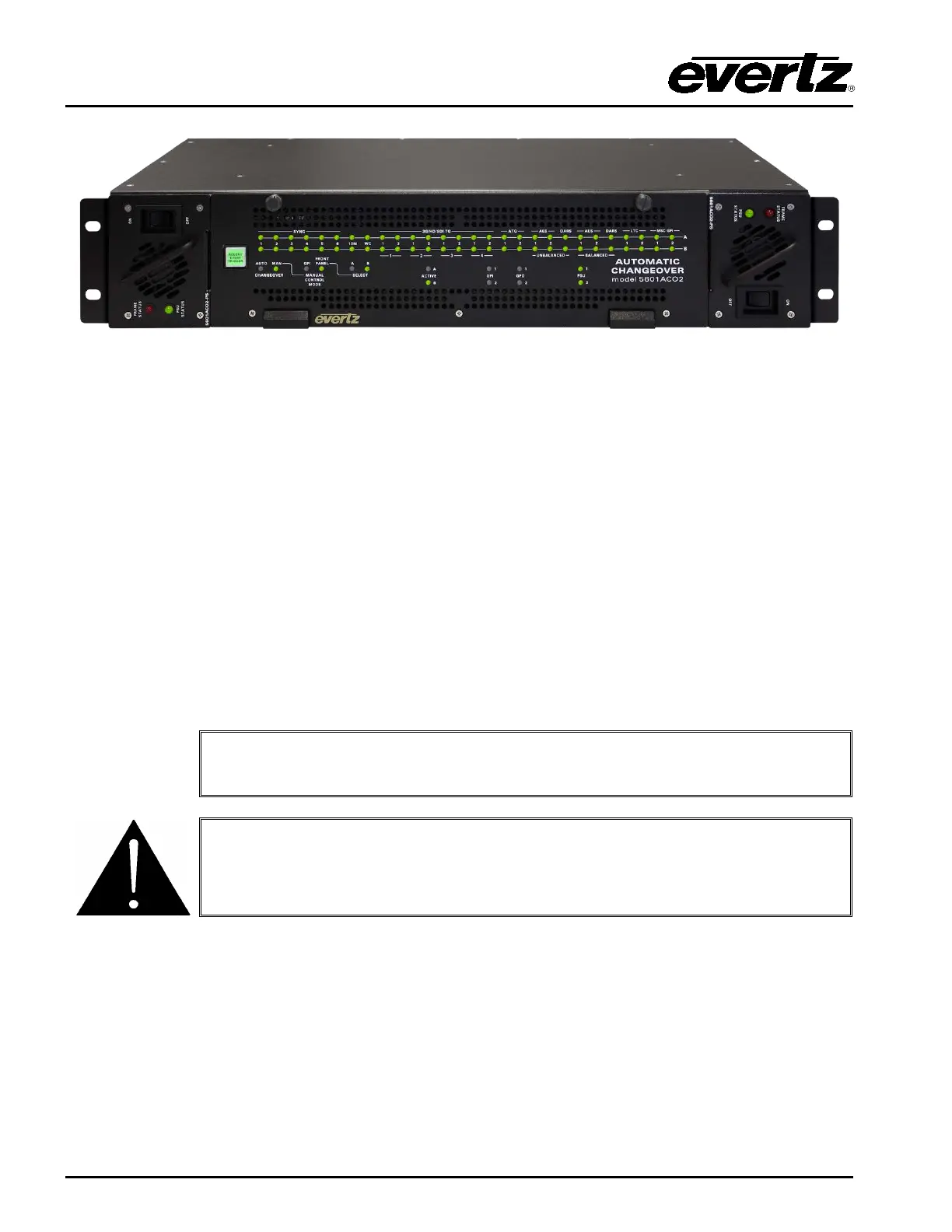
Model 5601ACO2 Automatic Changeover Unit
Page 1-4 Revision 1.2 OVERVIEW
Figure
1-2: Front View of Frame
1.1. HOW TO USE THIS MANUAL
This manual is organized into 5 chapters: Overview, Installation, Operation, Technical Information, and
VistaLINK
®
Configuration and Control. The overview section provides a brief summary of the
5601ACO2 module as well as features.
Chapter 2 provides a detailed description of rear panel connectors, and how the module should be
connected.
Chapter 3 provides information on automatic changeover operation.
Chapter 4 provides technical information such as specifications and how to update the firmware in the
5601ACO2 module.
Chapter 5 provides information on VistaLINK
®
configuration.
This symbol is intended to alert the user to important operating
instructions.
The exclamation point within an equilateral triangle is intended to alert the
user to the presence of important safety related operating and maintenance
(Servicing) instructions in this manual.



 To Next Page