EQX Server Manual
Page 6 Revision 2.2
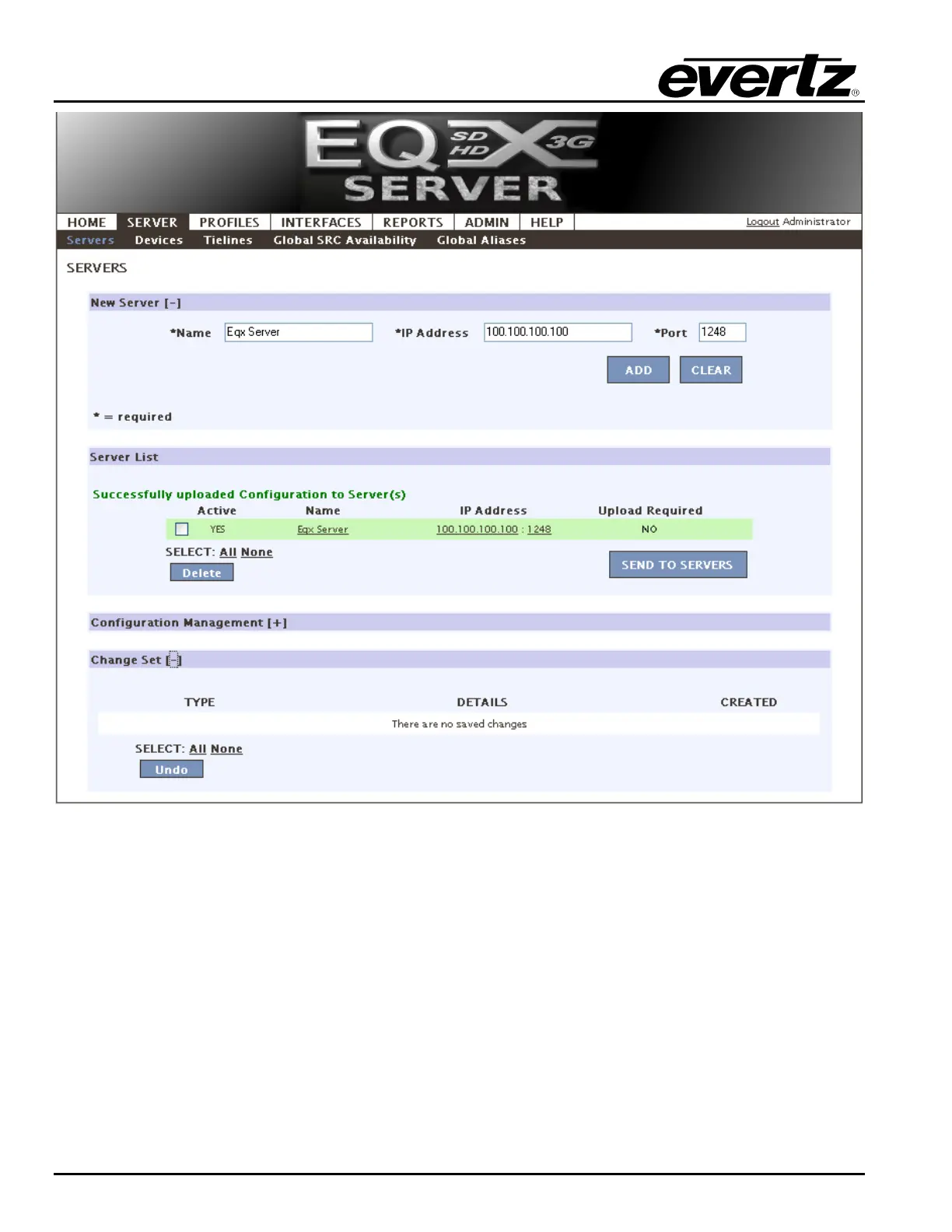
Figure 4-3: EQX Server Uploaded
8. The server screen is also used to apply changes to the system when a change is made using the
WCT. Therefore, work can be performed offline at your leisure and then pushed to the server all at
once. There is no downtime associated with uploading a configuration. There is also no downtime
for the server to apply the new changes.
a. Should a change be required, YES will be displayed under the Upload Required field.
b. Should a major change be required, the changes will be listed in the Change Sets section.
This area lists the major changes like deleting a router, changing the I/O size, making
changes to device names or servers etc. Anytime a change to the system is made the
change will be listed in the Change Set section. You can read through the change set and
optionally choose to remove an item from the Change Set list by placing a check mark in
the box beside the item and choosing delete (Figure 4-3). To apply the change sets to the
server, select the Send to Servers button in the Server List section.



 To Next Page