EQX Server Manual
Page 30 Revision 2.2
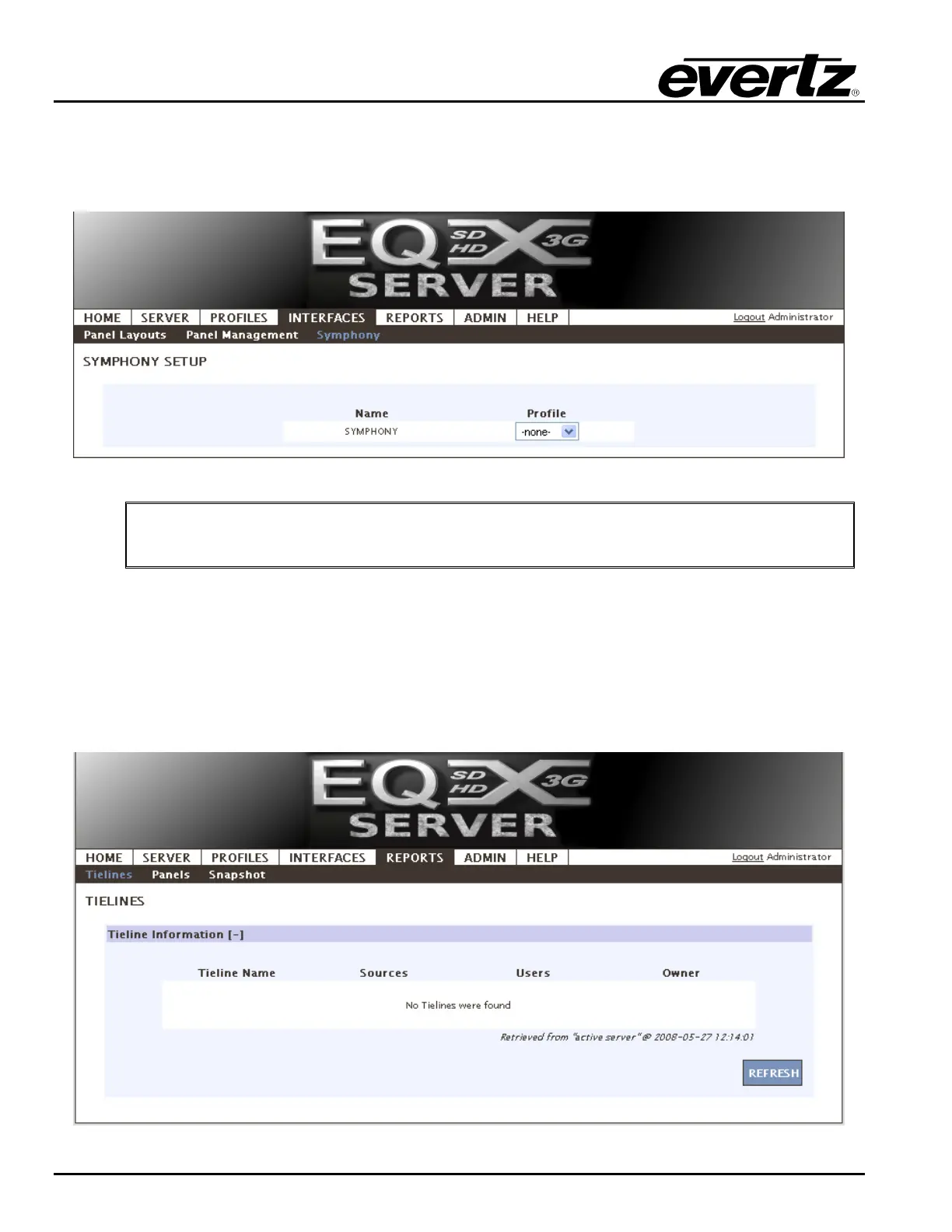
8. The Symphony section enables the user to setup the symphony 3
rd
party protocol access. The
user can select a previously created profile from the drop down Profile list. Once the profile is
selected from the Profile drop down list, the profile will be applied to Symphony and the message
“Successfully changed the Profile” will be displayed.
Figure 4-34: Symphony
"
Once complete be sure to return to the server change sets to upload any changes.
4.3.3. Reports
The reporting page of the EQX server is powerful and constantly being updated with new types of reports.
Currently there is a report for tieline usage which, amongst other things; displays a tieline, what source is
on it and who is currently viewing it.
1. On the REPORTS tab click on the Reports menu. Current Tieline information will be displayed.
Figure 4-35: Reports Tab



 To Next Page