EQX Server Manual
Revision 2.2 Page 5
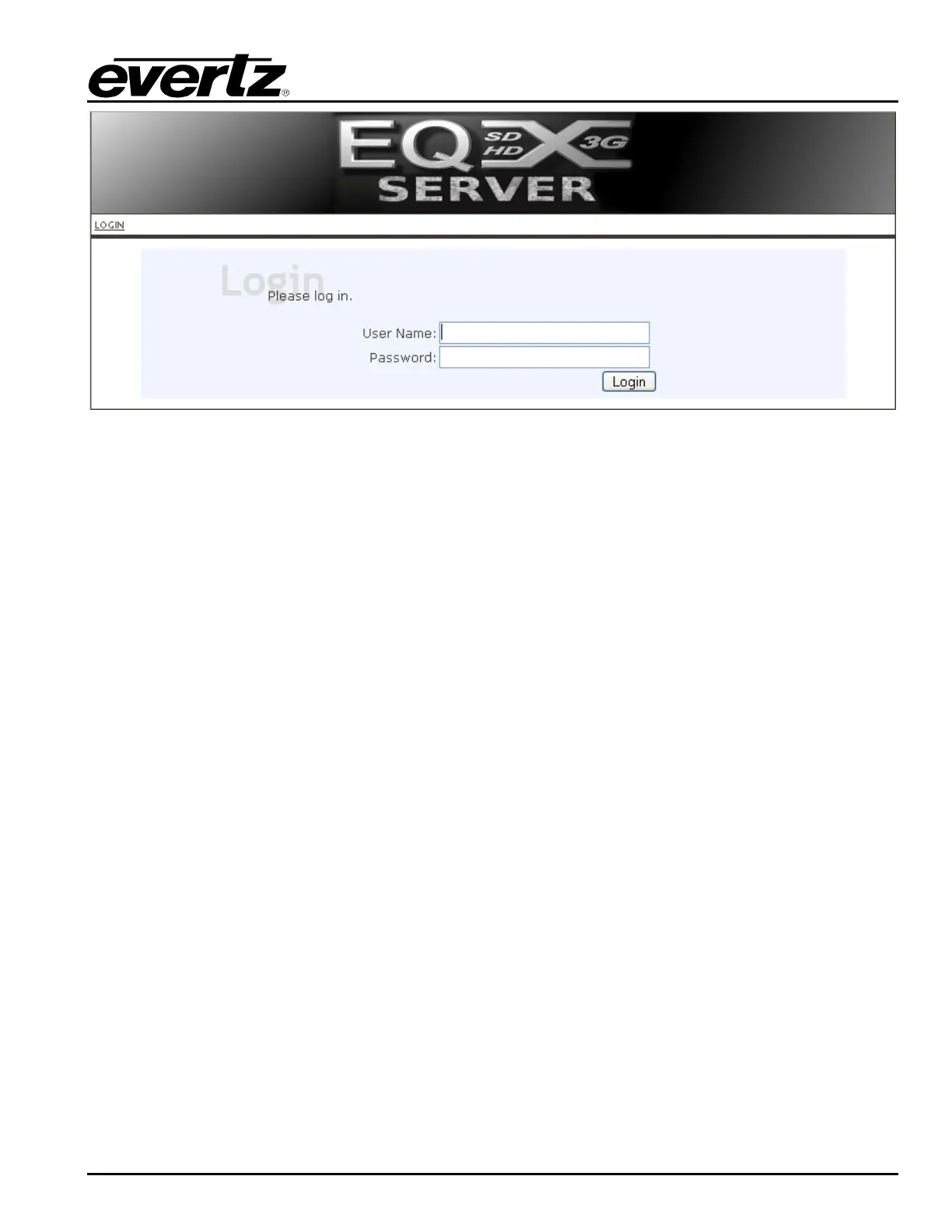
Figure 4-2: Login Screen
3. The default administrator username and password (as set during EQX server install) is:
USERNAME: admin
PASSWORD: admin
4. Enter the username and password into the boxes and then click Login.
5. You are now logged in. Click on the SERVER tab and then select the Servers menu. A Server
screen, as shown in Figure 4-3, enables the user to enter the information for the servers.
6. Enter the IP address and default port for each server (naming them appropriately as Primary and
Secondary). Once the information is entered, select the ADD button to add the server to the Server
List.
7. Once complete, press the SEND TO SERVERS button. Each server should no longer require an
upload (as shown in the status line for each server) and ONLY ONE should be shown as active
(likely the primary unit).



 To Next Page