EQX Server Manual
Page 10 Revision 2.2
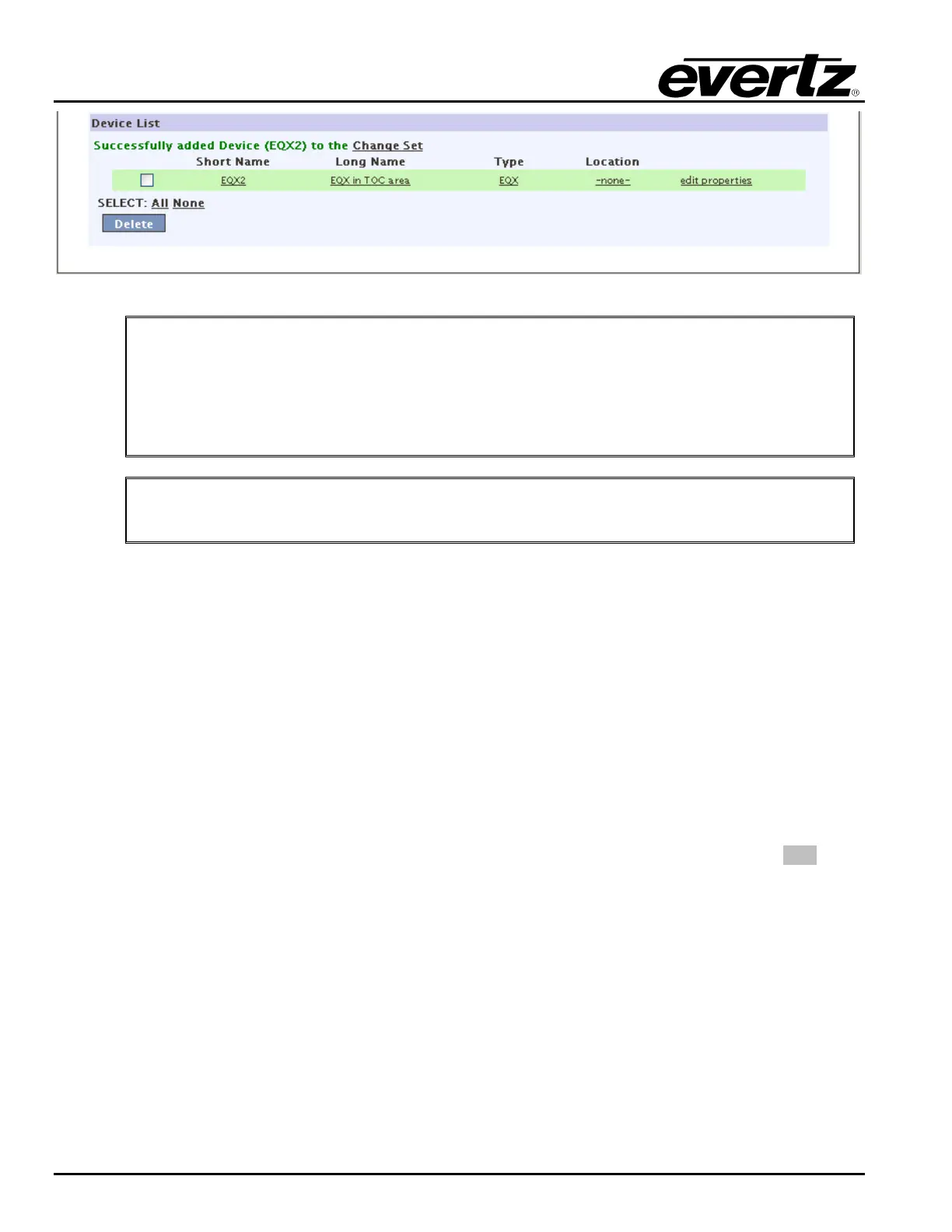
Figure 4-8: Device List
"
Tip: Tieline names are used throughout the system to identify paths between a
source and destination that you are working with. You do NOT have to manually
specify a tieline, therefore for time efficiency an appropriate name is built from the
“From” router’s short name and port, and the “To” router’s short name and port.
You are welcome to overwrite with any name you wish but be sure to include some
details that make the path clear from the name.
"
Once complete be sure to return to the server change sets to upload any changes.
4.2.3. Global SRC Availability
In a routing system it is beneficial to “permanently” limit the scope of some destinations. This enables the
user to control from a high level which destinations have access to which sources. Imagine a facility where
2 channels are broadcast: (1) a music channel for teens and (2) a religious affiliate. The best way to avoid
content from one spilling over to the other is to limit the destination of the one to only it’s appropriate
designated sources. This makes it IMPOSSIBLE without returning to this page for panels or automation
systems to route the incorrect source. Once this setting is applied, the system filters the sources as if they
do not exist if they are not available to a destination.
1. First select the router that contains the destination(s) that you want to work with from the Devices
list. The list will populate in the Destinations field.
2. Once populated, click on one or more DSTs and select GET SRCs. Again the list of sources (both
available and unavailable) will populate.
a. If you have selected multiple DSTs, any SRCs common to ALL DSTs will be in grey. ANY
source that is not 100% common will be in white.



 To Next Page