EQX Server Manual
Revision 2.2 Page 13
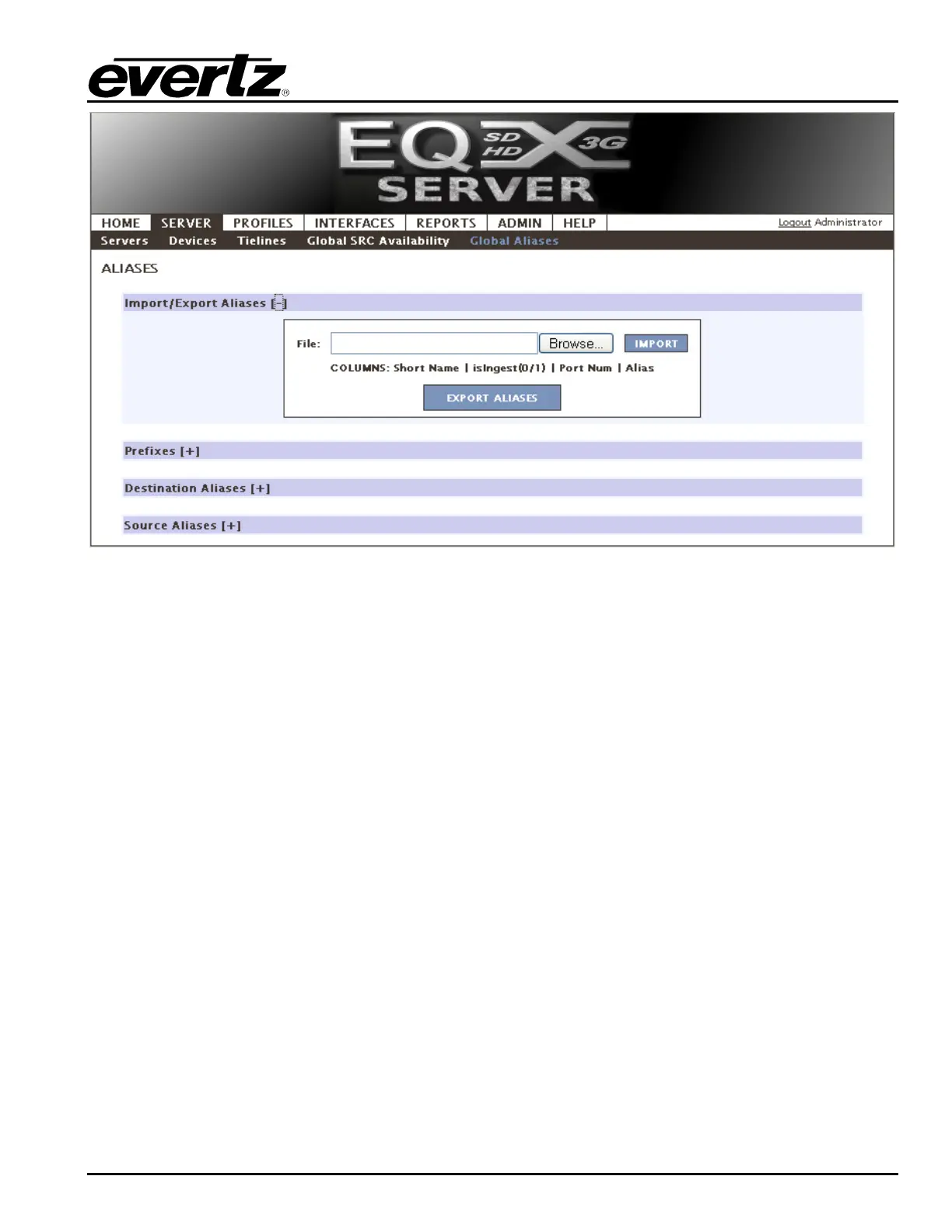
Figure 4-11: Import/Export Aliases
1. To create a prefix, also referred to as categories (IE VTR, ENC, REM, MCR, etc), type in the
name (you are NOT limited to 3 letters, use symbols, long names, numbers) and then click the
ADD button. The prefix will be displayed in the Existing Prefix field on the right. To remove an
existing prefix, select the prefix from the Existing Prefix list and select the DELETE button.



 To Next Page