EQX Server Manual
Revision 2.2 Page 17
"
TIP: You can multi-select aliases to work with by clicking the first check box of the
source/destination you want and then holding down the shift key and clicking the
last source/destination you want. To manually edit it, you can also click the name of
a source or destination.
"
Once complete be sure to return to the server change sets to upload any changes.
4.3. Working with the EQX Sever
4.3.1. Panel Profiles
The EQX Server based router control system has many advanced features. One of the most powerful is
the ability to generate Profiles for panels. These profiles are essentially a collection of sources and
destinations along with a new set of aliases for those sources and destinations. You do NOT have to
explicitly add tielines to a profile, nor do you have to design a panel layout for intelligent panels. The
intelligent panels themselves find the best way to layout the various sources, destinations, prefixes, etc,
that the user has decided to use. In the case of traditional panels a simple but powerful GUI is provided to
determine the explicit actions the panel can make, from defining menus to adding sources and
destinations. Creating profiles is very similar to setting up the Router system itself. The steps are: create a
profile, add destinations, sources and prefixes, and then alias anything as you see fit.
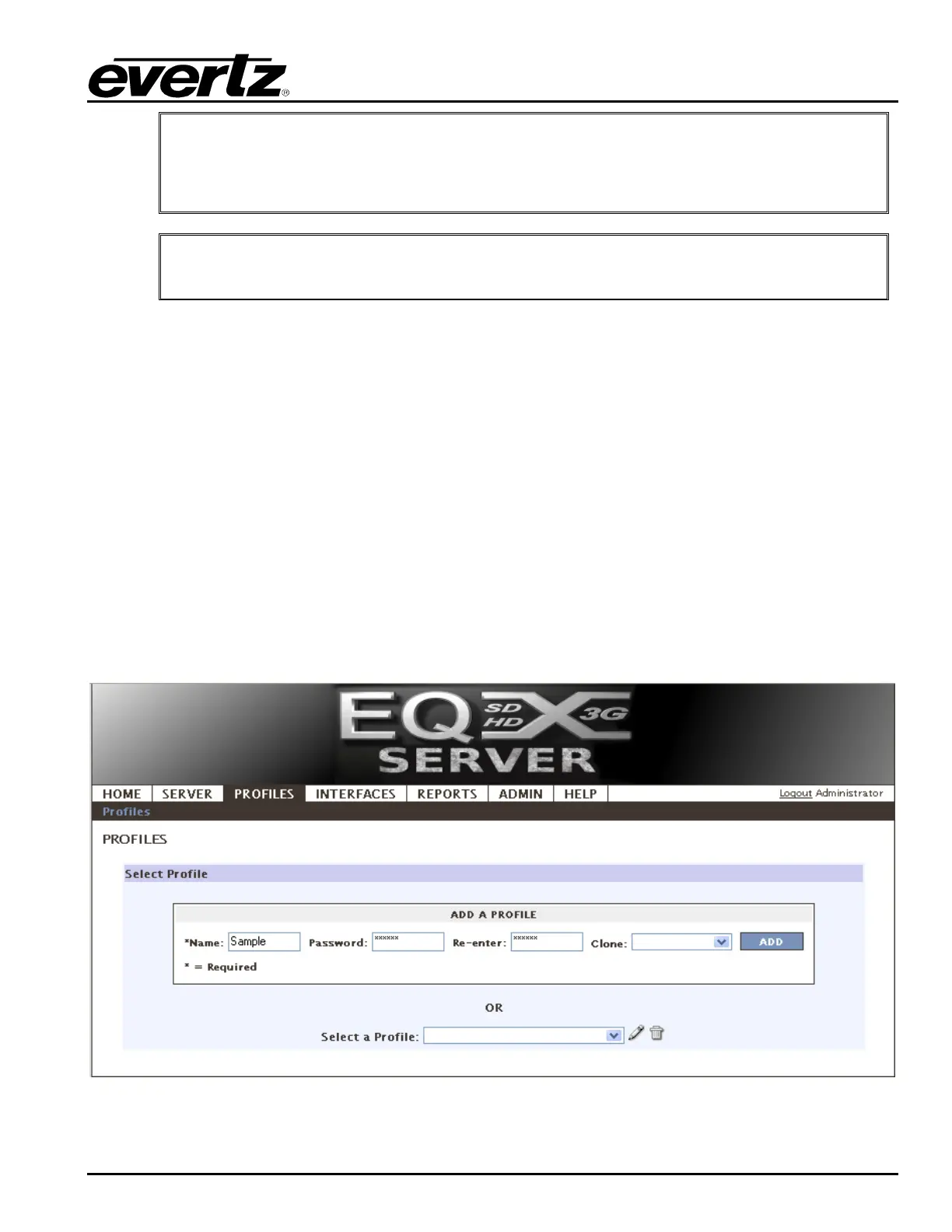
1. On the PROFILES tab, select the Profiles menu. Enter a name and a numeric password (not
required). You may also clone (copy) an existing profile as a starting point. Once ready click the
Add button and the profile editor will open.
Figure 4-15: Profiles



 To Next Page