EQX Server Manual
Page 14 Revision 2.2
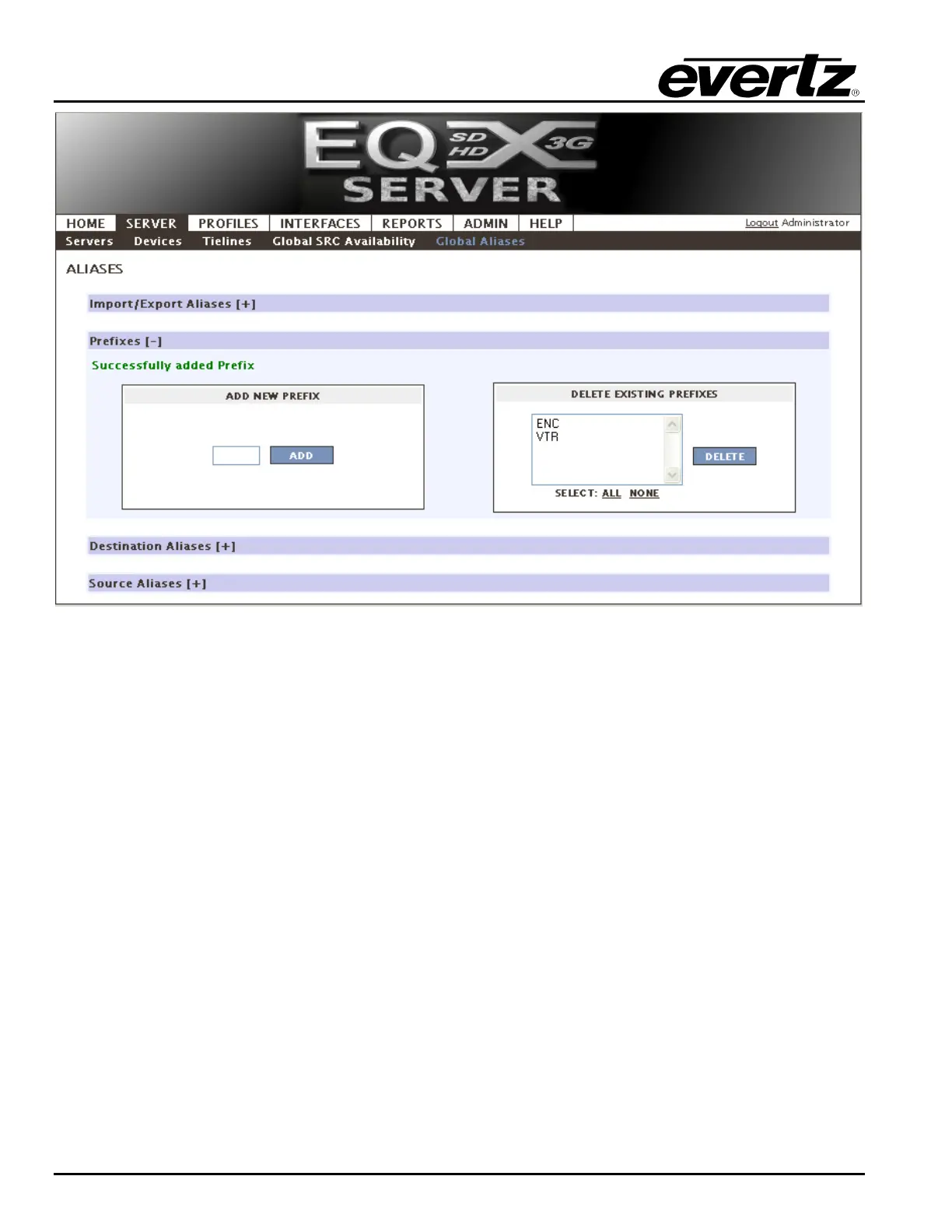
Figure 4-12: Prefix
2. Now we must configure the Destination Aliases. Expand the section by clicking on the +
button.
a. Aliases can be built using a prefix, separator section and suffix.
i. The Prefix will put a “category” button on the panel under this heading, eg. VTR.
ii. The Separator can be a - , <space>, * or any number of characters eg. –
Cleveland*Inbound Rem!!-
iii. The Suffix is an automatically incrementing number. Starting at 1 will proceed as
2, 3, 4. Starting at 0001 will proceed as 0002, 0003, 0004, etc
iv. Placing a check mark beside the desired Port enables the user to assign the
Alias a Global Alias name.
b. Once complete click the Save button. Checking the Apply to all Profile Aliases option
will overwrite the name as it appears in EVERY panel profile that has been defined.
(Profiles will be covered later)



 To Next Page