EQX Server Manual
Page 18 Revision 2.2
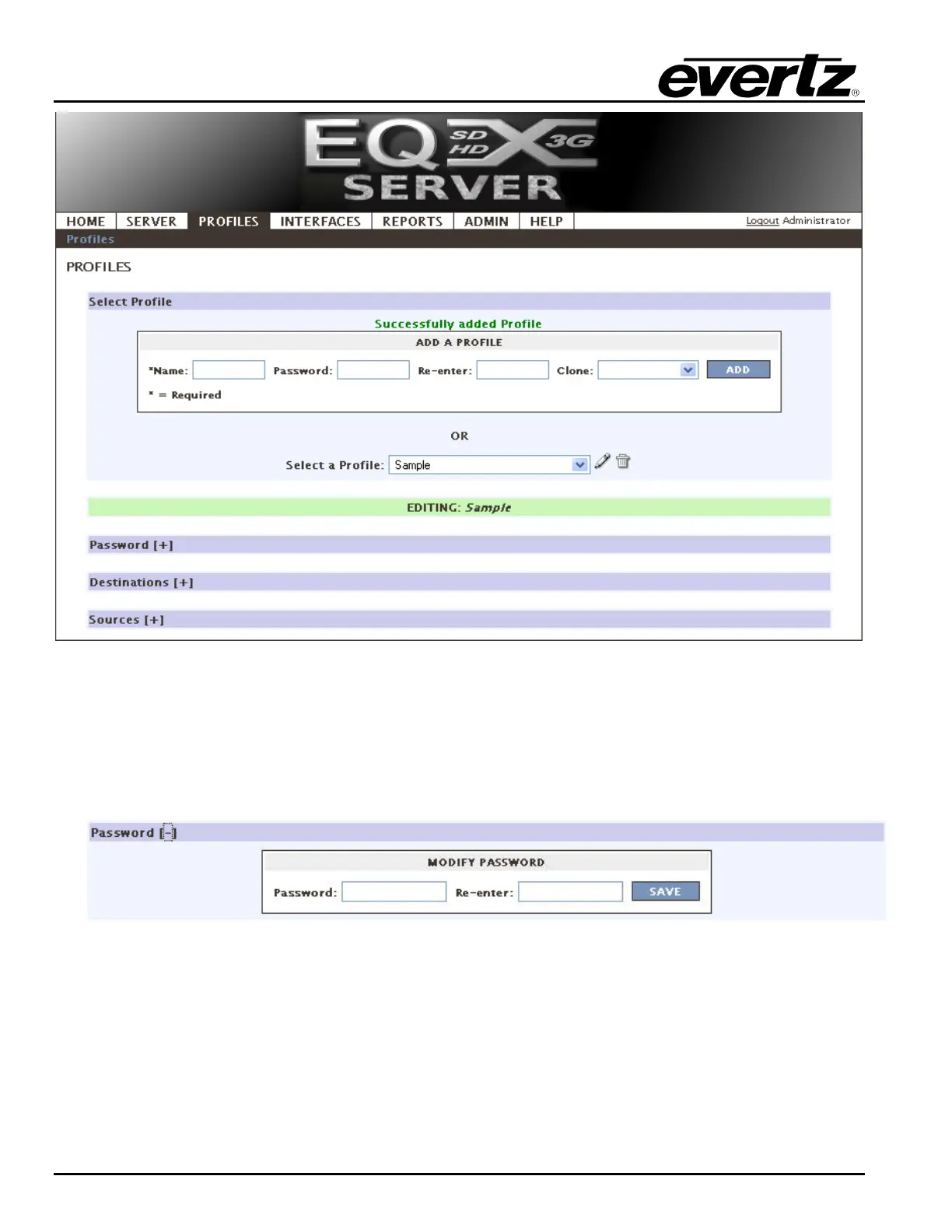
Figure 4-16: Profiles Tab
a. If you wish to edit a pre-existing profile, select the profile from the Select a Profile drop
down menu and then click the PEN icon to edit it.
b. You may also overwrite the password for a profile by using the password field. It is not
required to know the original password in order to overwrite it.
Figure 4-17: Modify Password
2. Select the + button to expand the destinations section. The destination section enables the
user to set the Destination Availability, Destination Prefixes, Destination Aliases, and Virtual
Destinations.



 To Next Page