EQX Server Manual
Page 24 Revision 2.2
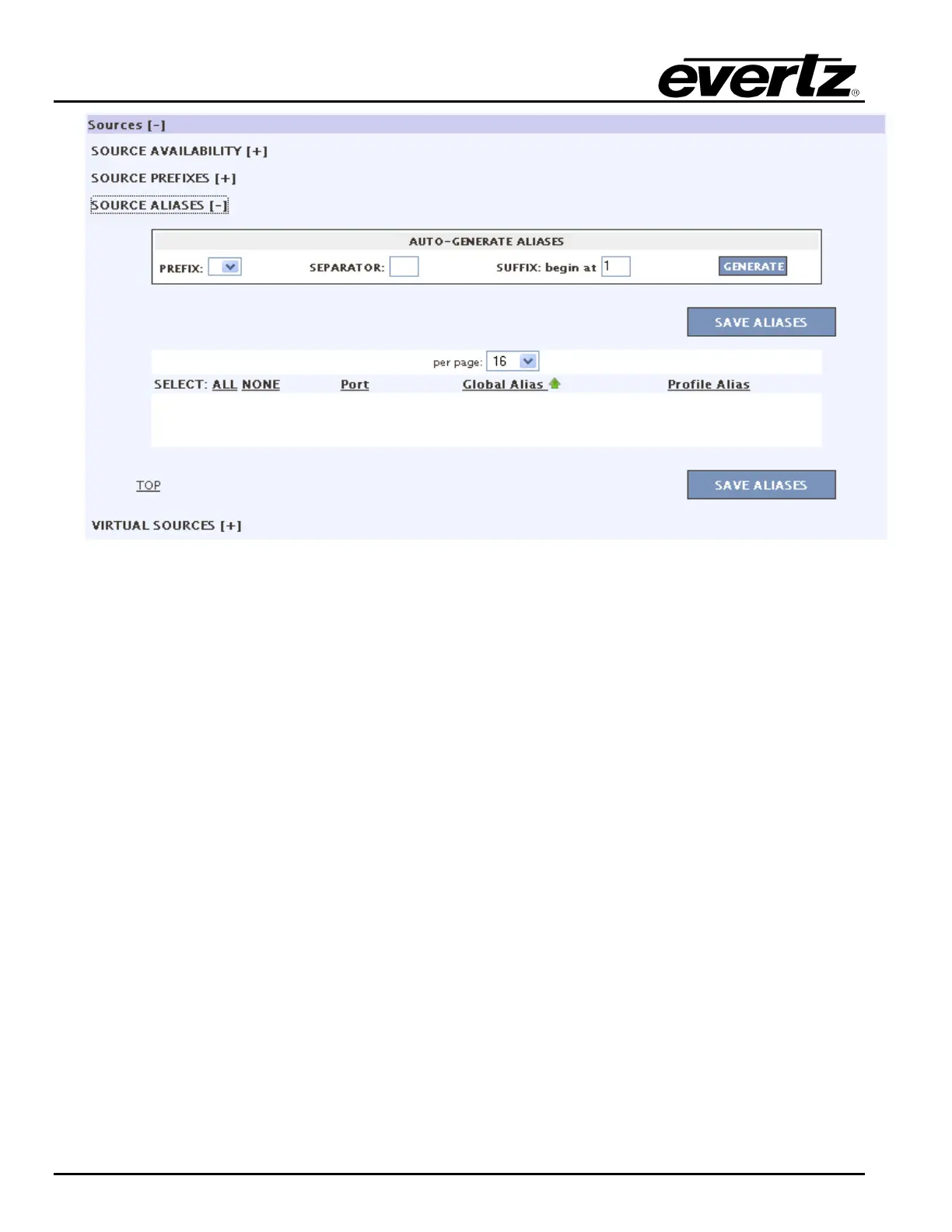
Figure 4-26: Profile - Source Aliases
7. Configure the Virtual Sources for the profile. To add a virtual source, select the ADD button and
then enter a name for the virtual source in the field that appears. The user can also apply a
name to the channel by selecting the – sign under the desired channel and then entering a
name once the text field appears. To delete a source, place a check mark in the box beside the
source and press the DELETE button. To save the virtual source, select the SAVE button.



 To Next Page