EQX Server Manual
Revision 2.2 Page 7
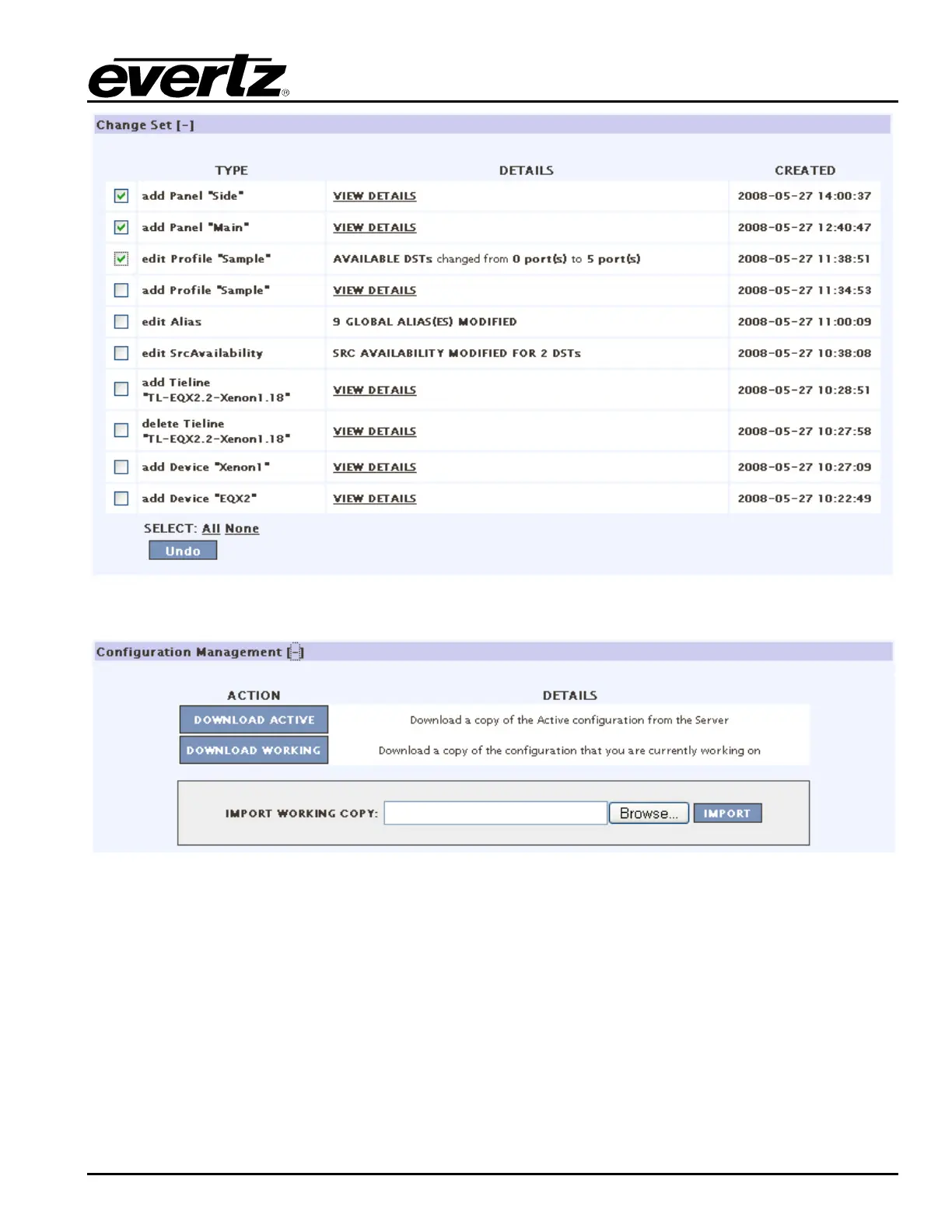
Figure 4-4: Change Sets
Figure 4-5: Configuration Management
9. The Configuration Management section enables the user to download the configuration. Select the
DOWNLOAD ACTIVE button to download a copy of the active configuration from the server.
Select the DOWNLOAD WORKING button to download a copy of the configuration that the user is
currently working on. To import another configuration, select the Browse… button beside the
IMPORT WORKING COPY field and navigate to your desired configuration. Open the desired file
and then click the IMPORT button to import a working copy of the configuration (Figure 4-5)



 To Next Page