EQX Server Manual
Page 12 Revision 2.2
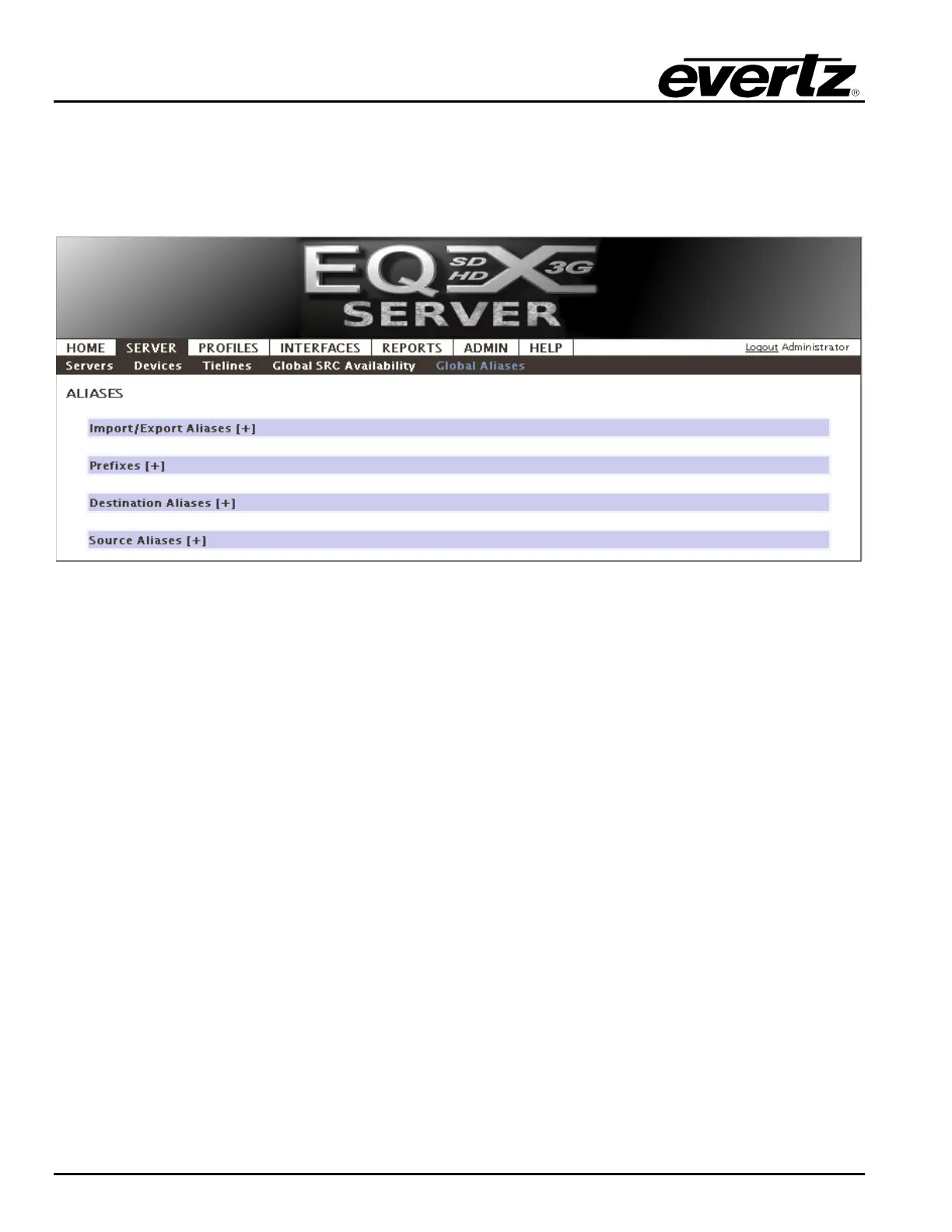
4.2.4. Global Aliases
Another advanced feature of the EQX server is the ability to support a wide range of long multi
character aliases for each SRC and DST. In fact the EQX server supports an unlimited number of
aliases per SRC or DST.
Figure 4-10: Global Aliases
The user can import or export existing aliases. Expand this section by clicking on the + symbol.
The Import/Export Aliases screen shown in Figure 4-11 will appear. Select the Browse button and
then navigate to the desired file. Once the appropriate file is selected, click the Open button. When
the filename appears in the File field, select the IMPORT button to import the file. To export an alias,
select the Export Aliases button.



 To Next Page